
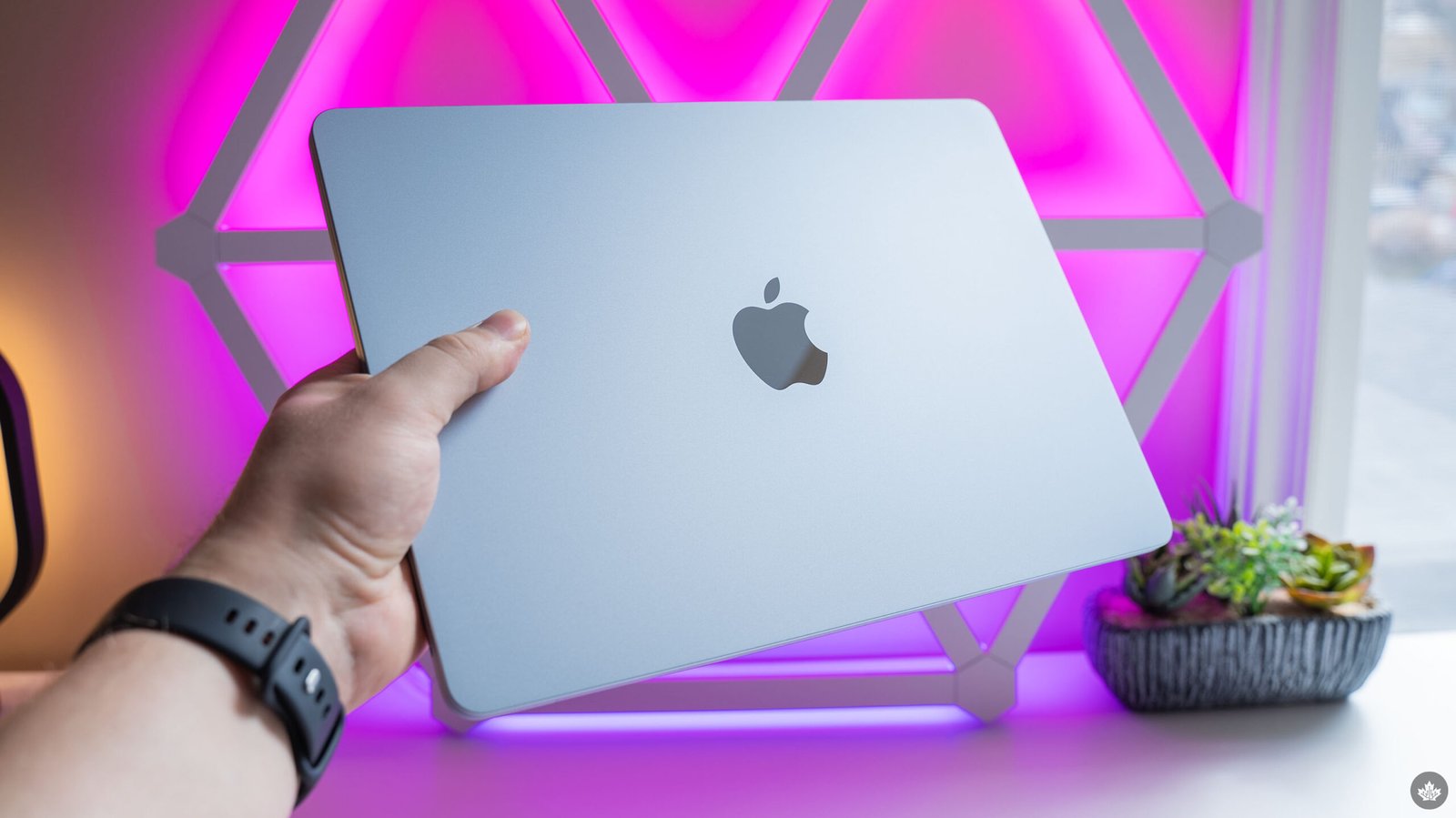
Tech increasingly feels like it’s in an era of iteration instead of innovation, for better and worse. Apple’s new M5 MacBook Air is a prime example of this. On paper, there are a few significant changes, most notably the new M5 chip. But in practice, very little about the M5 Air actually feels new.
This was particularly apparent for me, since the last MacBook I used (prior to reviewing the MacBook Neo, at least) was an M3 MacBook Air. If you had handed the M3 and M5 Airs to me in a blind test, I don’t think I could have said which was which without poking around macOS to look at details about the chip.
Because, at the heart of Apple’s latest Air upgrade, that’s really all that has changed. Alongside the new chip, the latest MacBook Air also has more base storage (512GB up from 256GB on the M4 Air), faster SSD and memory speeds, support for Wi-Fi 7 and Bluetooth 6, and it’s slightly lighter (1.23kg to 1.24kg). And if you compare to the M3 Air, the M5 Air also has a slightly larger battery at 53.8Wh (same as M4) instead of 52.6Wh.
I bring all this up not to detract from the M5 Air, but to illustrate that it’s an iterative update to an already excellent product. If it ain’t broke, don’t fix it, and all that.
Except… well, there are a few things that could be improved. And with the MacBook Neo undercutting the Air on price, I think these things need to be addressed sooner rather than later.
Specs
- Display: 13.6- or 15.3-inch Liquid Retina 2560×1664 or 2880×1864 resolution 500nits brightness.
- Processor: Apple M5 with 10-core CPU.
- Memory: Up to 32GB.
- Storage: 512GB to 4TB SSD.
- Dimensions: 1.13×30.41×21.5cm (0.44×11.97×8.46 inches).
- Weight: 1.23kg (2.7lbs).
- Camera: 12MP Center Stage camera.
- Operating System: macOS Tahoe.
- Battery: 53.8Wh.
- Connectivity: Wi-Fi 7 and Bluetooth 6.
- Sensors: Touch ID.
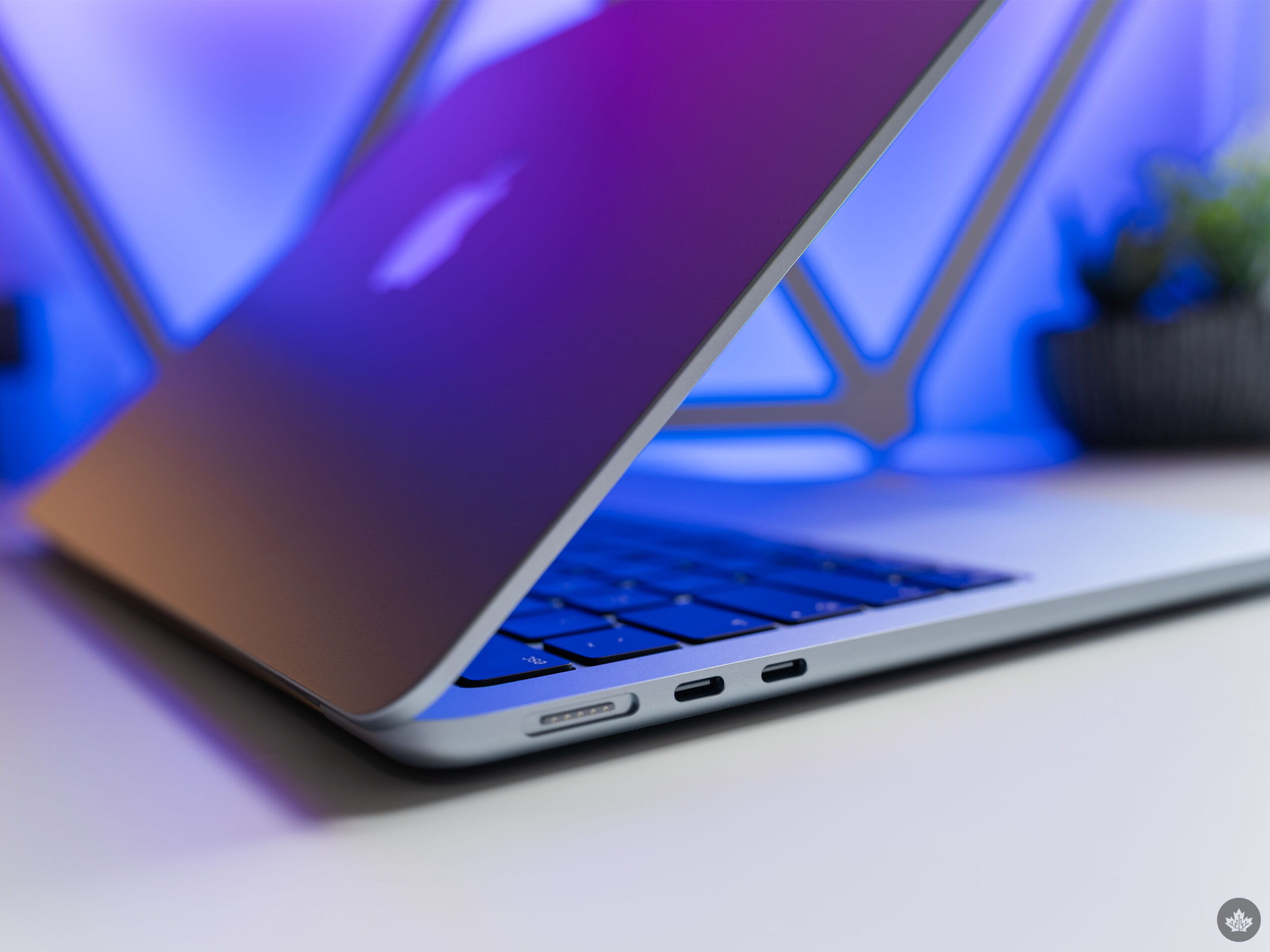
- Ports: 2x Thunderbolt 4 (USB-C) ports, 1x audio jack, 1x MagSafe.
- Graphics: Apple M5 with 8- or 10-core GPU.
Mach 5 MacBook
When I tested out the MacBook Neo earlier this month, the meagre 8GB of RAM was the biggest shortcoming. But people who will feel that limitation the most are also likely people that would be better served by another laptop entirely, be that a Windows machine or a higher-tier MacBook like the Air or Pro.
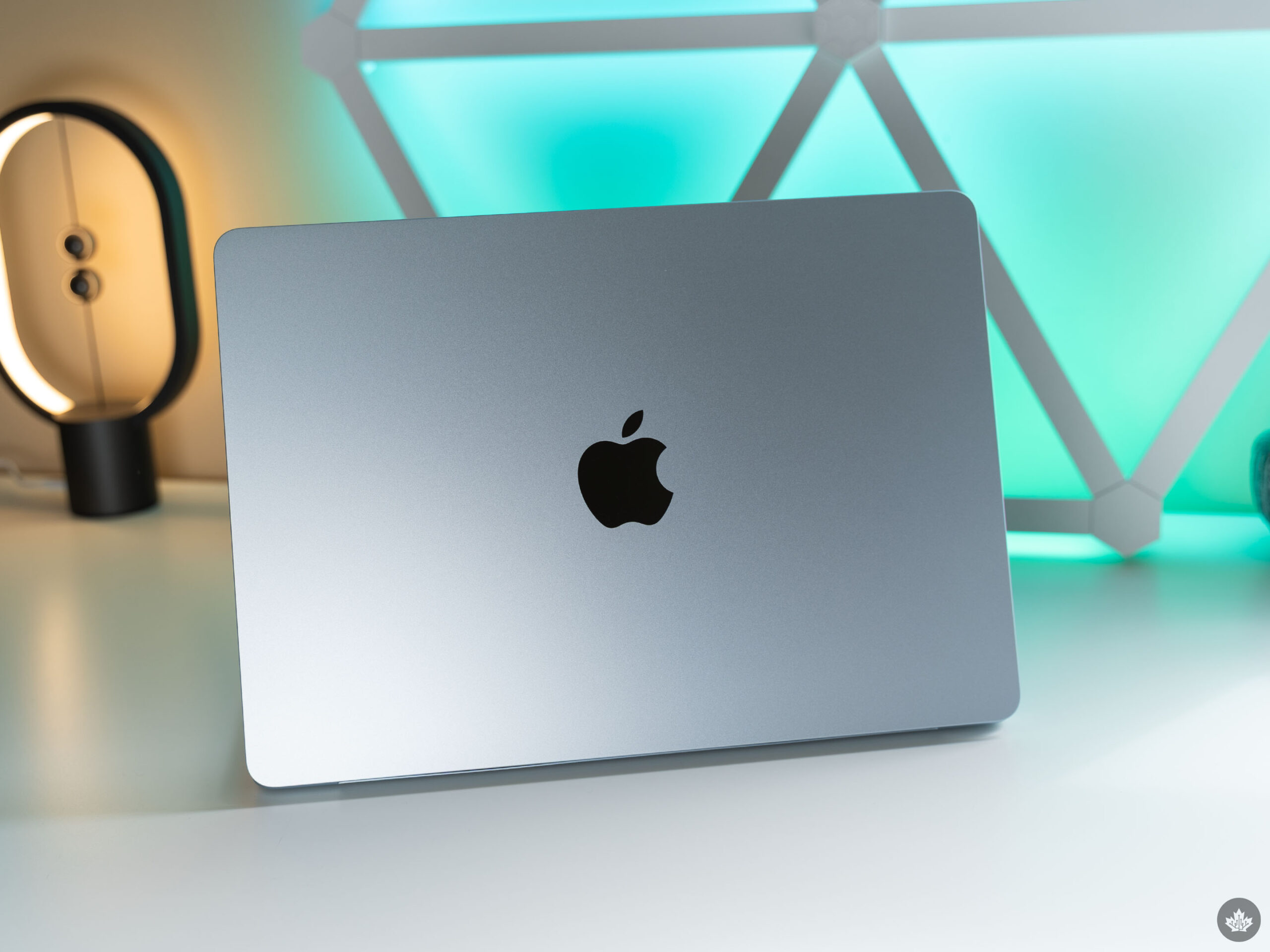
Jumping to the M5 MacBook Air after the Neo felt freeing. Apple sent me the Sky Blue 13-inch Air with 10-core CPU and GPU, plus 16GB of RAM (see the full spec list above). The thing is, the iPhone chip in the MacBook Neo — the A18 Pro — was more than powerful enough to handle the majority of my workflow, with me only really running into issues once I’d maxed out the 8GB RAM. My typical workflow involves a browser window or two with 15-20 tabs open, Notion, Photoshop and some other software as needed, like Microsoft Word or Excel.
Bringing that same workflow to the M5 with 16GB of RAM has been awesome. Everything, from macOS itself to all my apps, is blazing fast. I haven’t encountered any major slowdowns from running out of memory. It’s been truly fantastic. There are some other performance benefits to note with the new Air, like the storage being faster than before and it sporting Wi-Fi 7 and Bluetooth 6, but the star is definitely the M5 chip.
But while M5 is great, so is M4. And M3. That last MacBook Air I used had the M3 chip and, comparing that experience to now, the M5 Air isn’t noticeably better for me. Hell, I regularly see people raving about how their M1 MacBooks are still holding up just fine.
The M1 comparison is one that Apple is really pushing, touting a 9.5x performance increase, the display improvements, 12MP Center Stage camera, and more. And the company does have a point — the M5 Air offers a lot of upgrades over the M1 Air. But unless you need those upgrades, I wouldn’t rush out to buy one.
Short-lived speed
While M5 is blazing fast and able to handle everything I throw at it, the battery life is a different matter. To start, I want to be clear that M5 Air doesn’t have bad battery life; it’s just not the best.
During my testing, I found the Air was able to reliably make it through my eight-hour workday on a single charge, but it usually had around 30 per cent left in the tank. It’s definitely enough for my needs, but not quite as good as some Snapdragon-equipped Windows laptops I’ve tried that lasted through a day and a half. Even Intel’s latest Panther Lake chips lasted longer in my testing.
As a longtime Windows user who has heard so much praise about the efficiency and battery life of Apple’s M chips, I have to say I’m a bit disappointed. I felt similarly when I tried the M3 Air, so it’s a real bummer to see the M5 Air didn’t fare much better. (That said, the M5 Air did last longer than the M3 Air I tried last year, but not by much.)
Coupled with the fact that laptops like the Asus Zenbook A14 are significantly lighter than the M5 Air while also offering better battery life, it makes me think the M5 Air might not be the best option for people on the go. Sure, it’s thin and light by MacBook standards, but unless you really want macOS, there are better options for those who rank battery life and weight as top priorities.
What else is new?
Honestly, not much.
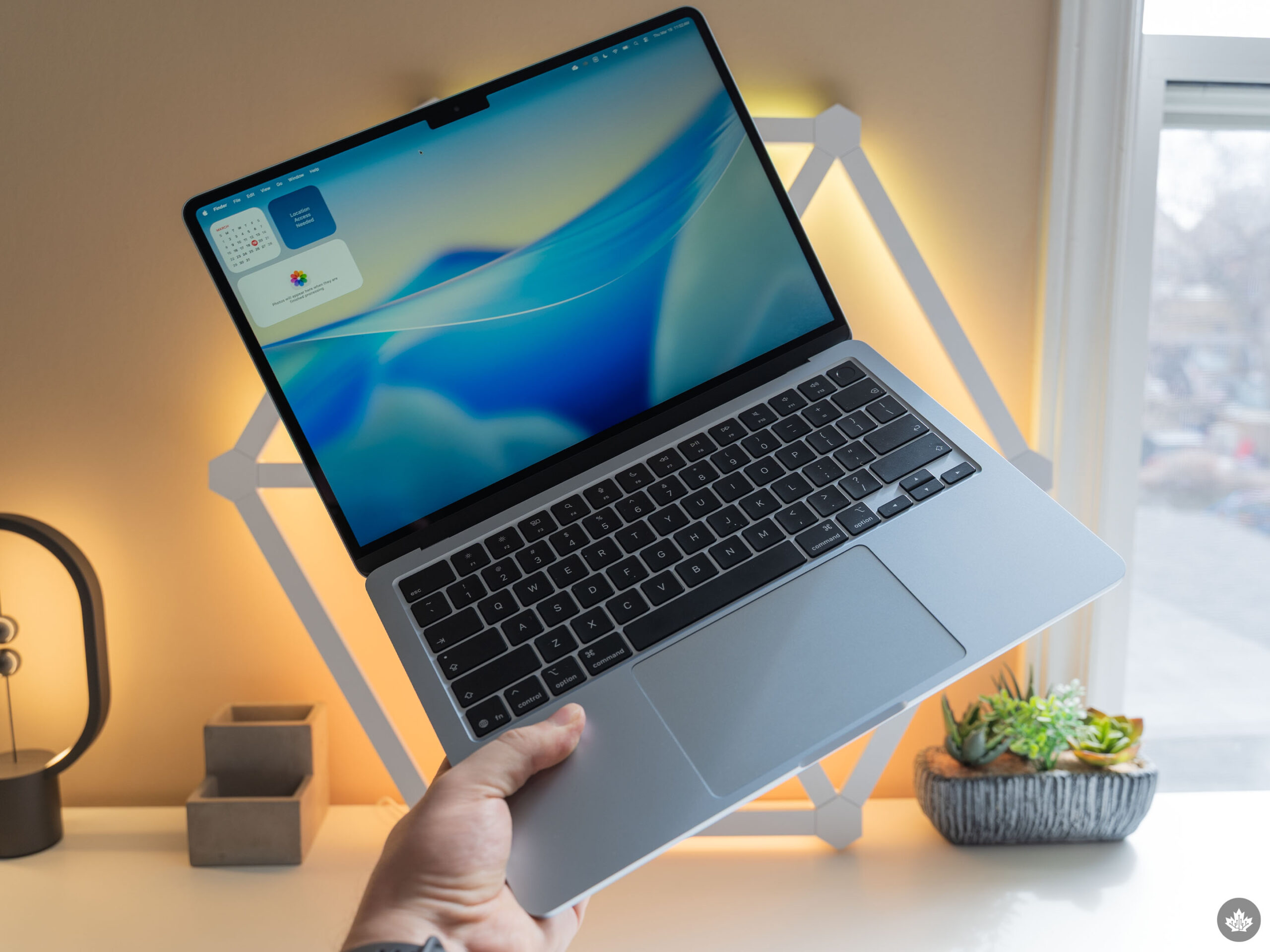
As mentioned up top, there’s the SSD speed boost (a nice bonus but not really worth an upgrade on its own), the new wireless connectivity (again, nice to have but not necessary by any means), and the increased base storage. However, that comes with a price hike, with the M5 Air starting at $1,499.
That increase stings extra, given you can snag a MacBook Neo for $799 (or $999 for the Touch ID version), and I think it changes the calculus when it comes to deciding which MacBook to buy. Having used the Neo and M5 Air back-to-back, I think the ultimate question is whether you’re willing to pay nearly double the price for double the RAM.
To be fair, you do get a lot more with the Air over the Neo — a better display, faster chip, larger battery, and more. (There are a ton of little items too, like faster USB-C ports, keyboard backlight, MagSage, etc.) So, the differences definitely stack up. But in my testing, the one I felt the most was the RAM.
With all that in mind, I have a couple of thoughts about choosing between the two. And, let’s set aside that there are Windows options and assume you’ve picked Mac, it’s just a matter of which Mac.
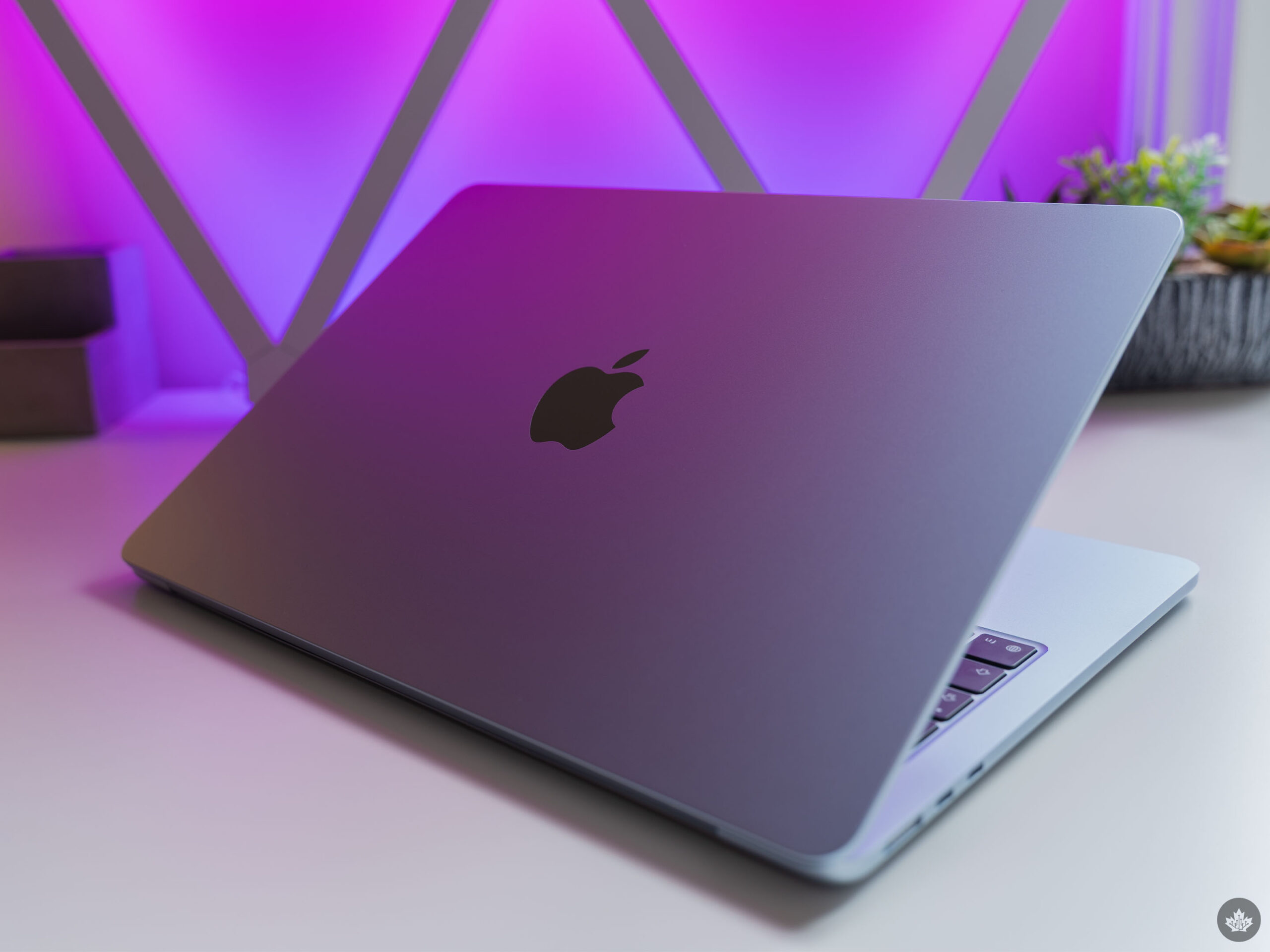
First, for those looking to get started with a laptop — perhaps for school, or maybe it’s for your child or other family member — I think the Neo is the safe option. Sure, it may not be the best hardware, but the Neo is an excellent laptop for the price and a great way to get started with macOS. One exception here is if you have a good idea of how you’ll use your MacBook. If you know you’ll need to use memory-intensive apps like Photoshop or Premiere, you might be better off in the long run forking out for the Air.
Second, for those who are established laptop owners in the market for an upgrade, the M5 Air is probably the way to go unless you know for sure the Neo can handle what you need it to. For me, the Neo would have been perfect if it had more memory. On the other hand, the M5 Air was the ultimate do-it-all machine for me, and I think it should be a top consideration for anyone who relies on their laptop to get stuff done.
Before I wrap up this review, I did want to take some space to share my thoughts on macOS as a longtime Windows user. If you’re just here for the M5 Air review and don’t care what I think about macOS, you can bow out here. Otherwise, head on down to the next section.
If you want to buy Apple’s latest MacBook Air, it starts at $1,499 in Canada for the 13-inch M5 variant, or $1,799 for the 15-inch variant.
Coming around on macOS
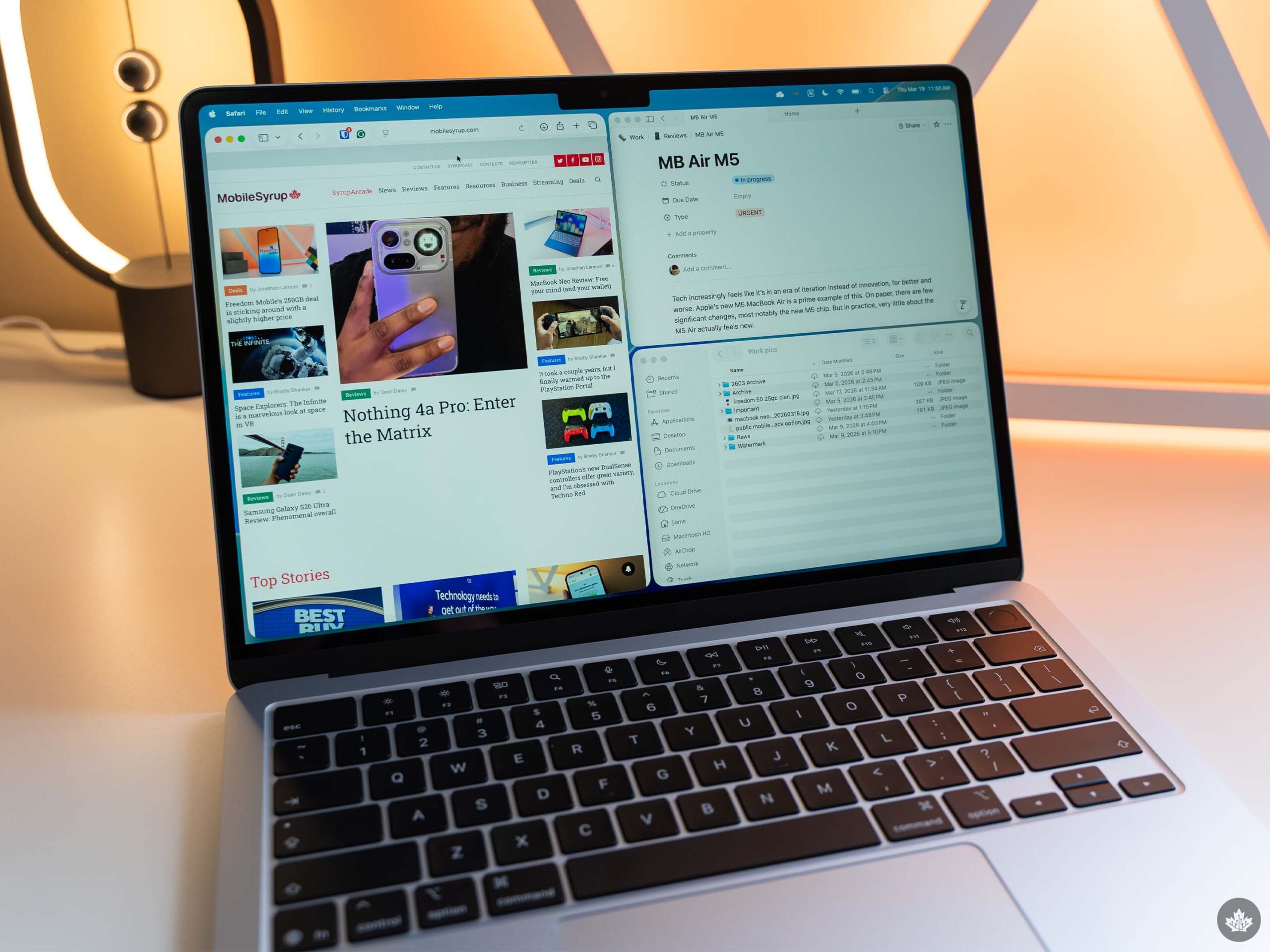
Surprisingly, my thoughts have changed a lot, despite macOS not changing all that much.
Last June, I tried out a MacBook for the first time in about a decade, and wrote about my experience. And while there was a lot I did like about macOS, I ultimately found myself wanting to go back to Windows. A lot of my issues came down to familiarity and having a tough time adapting to the small differences between the two operating systems. However, there were some bigger problems too, like a lack of native clipboard history or macOS’ janky window snapping features.
After that experiment, I went back to Windows and didn’t look back — at least, not until this month when I started working on reviews for the MacBook Neo and M5 Air. And much to my surprise, I’m really enjoying macOS this time around.
It’s a bit odd because things haven’t changed all that much in the time since. Apple released macOS Tahoe in September 2025, which introduced a bunch of new features. But looking through the list of what’s new, there are only two things from Tahoe I actually use on a regular basis: Liquid Glass and the upgraded Spotlight search.
Liquid Glass is somewhat unavoidable, since it’s a change to how macOS looks. I don’t mind it, and I think the glass effect is pretty neat, but it’s not enough to make me switch on its own. And Spotlight was already one of my favourite macOS features, so it being even better is a huge bonus for me.
I also like that macOS finally supports clipboard history, though the implementation could be better. Clipboard history is packed into Spotlight, which means the fastest way to access it is to hit Cmd+Space and then Cmd+4. I still prefer Windows, which lets you access clipboard history by pressing Windows+V. Still, at least macOS supports it natively now, which is definitely an improvement.
I’ve also become a big fan of Safari. I already liked the browser, but in my time reviewing the Neo and M5 Air, I’ve discovered some features that have made it an incredibly valuable tool for me — one that honestly might keep me stuck on macOS. The big one is Safari’s link previews. Being able to peek at a link by force-clicking on it makes so many aspects of my job and life easier. I also quite like the tab overview, which makes it easy to find tabs when I’ve got far too many open. I do wish Safari had a tab-grouping feature that worked similarly to grouping in other browsers like Chrome and Firefox, but I can live without it.
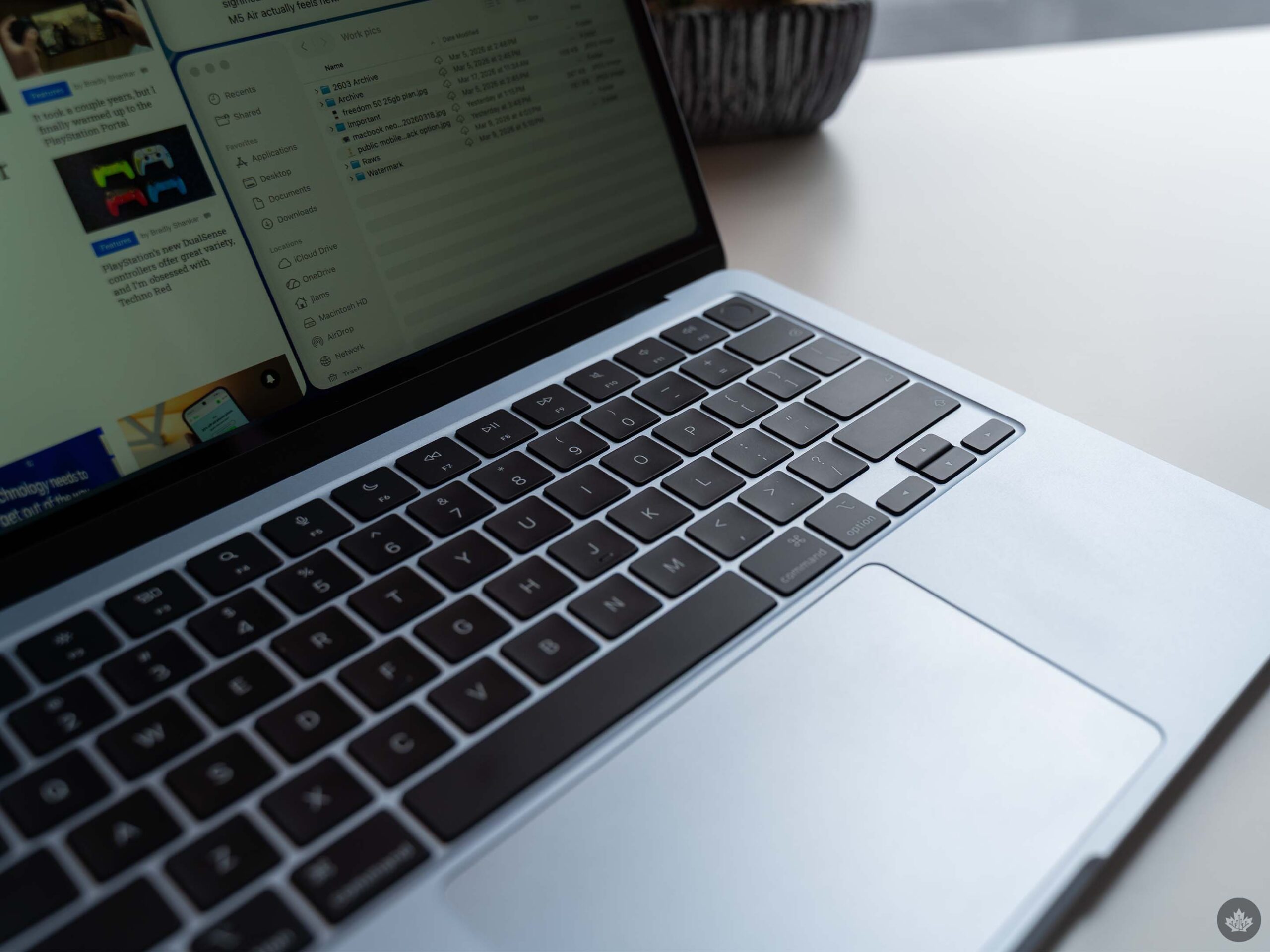
But while I definitely have come to like macOS a lot more after spending more time on it, there are still aspects that bug me. I still dislike that Safari extensions are tied to apps, and I think macOS has a major bloatware problem. It’s not quite as bad as Windows, but as someone who doesn’t — and doesn’t want to — use Apple’s apps, it sure is annoying to have more than 40 of them preloaded on my MacBook.
Further, macOS still has its fair share of weird quirks and annoyances, many of which can be fixed by installing third-party software. One that drives me nuts is natural scrolling, which, for some reason, is a shared setting between the trackpad and mouse. I like natural scrolling on the trackpad, but I’m used to my mouse scrolling in the opposite direction. But to have that on macOS, I ended up needing to install a little utility called Mos that fixes all the scrolling issues.
In a similar vein, I’ve never had more issues with cables than while using a MacBook. For years, I’ve used a Ugreen dock to quickly connect my laptop to an external monitor, keyboard, mouse, and other accessories while at my desk. The setup worked almost flawlessly, at least until I tried it with a MacBook. macOS kept telling me the cables I used weren’t capable of display output, despite those cables working fine for display output on Windows.
I ended up needing to pull out and rewire my whole dock setup with new Apple cables to get it to work, even though the existing setup should have worked fine. Even now, I still have issues with one of my displays not having the right resolution when connected to a Mac, but it works fine with Windows.
Ultimately, macOS still has its flaws, but after spending more time with it, I’ve really come to appreciate it, especially for work. It feels like macOS does a better job than Windows of getting out of my way and letting me do what I need to do. It’s not perfect, but it’s pretty darn good overall.
