
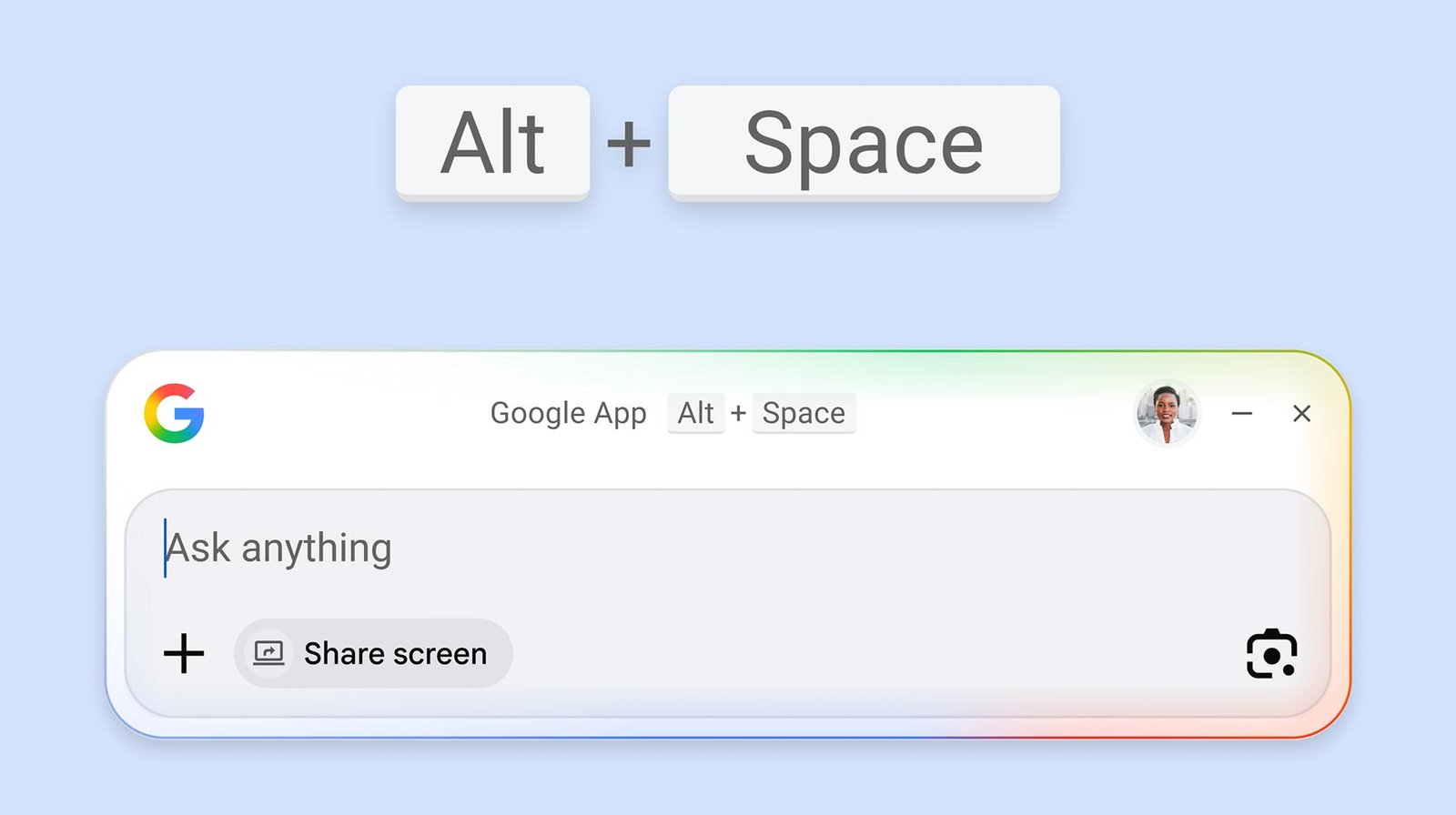
Google has made it easier to access Gemini when you’re on Windows through its new Google app.
Once downloaded, you’ll be able to use a keyboard shortcut for quicker access to AI-powered responses, and you’ll be able to follow up with questions and get links. The new app also has Lens and screen sharing built in, so you can ask about any part of your screen, ask about a specific window, or share your entire screen. And you’re able to find apps and files across your computer and Google Drive from the Search box.
Google has made it super easy. Press ‘Alt+Space’ on your keyboard, and you’ll get the familiar ‘Ask Anything’ pop-up with the option to ‘Share Screen,’ use Google Lens or upload a photo or document.
The Google app is available globally on Windows desktop devices and is currently in English only.
Source: Google
