Close Menu

    Subscribe to Updates

    Get the latest creative news from FooBar about art, design and business.

    What's Hot

    Chrisean Rock Reveals Painful Injuries After Miami Bike Accident

    July 11, 2026

    Environment Canada issues tornado warning for parts of Manitoba – Winnipeg

    July 11, 2026

    Veteran Grant Enfinger wins wild NASCAR CRAFTSMAN Truck Series Race at historic Lime Rock Park

    July 11, 2026
    Facebook X (Twitter) Instagram
    Select Language
    Facebook X (Twitter) Instagram
    NEWS ON CLICK
    Subscribe
    Saturday, July 11
    • Home
      • United States
      • Canada
      • Spain
      • Mexico
    • Top Countries
      • Canada
      • Mexico
      • Spain
      • United States
    • Politics
    • Business
    • Entertainment
    • Fashion
    • Health
    • Science
    • Sports
    • Travel
    NEWS ON CLICK
    Home»Science & Technology»US Science & Tech»Which USB Port Should You Use For Your Mouse And Keyboard?
    US Science & Tech

    Which USB Port Should You Use For Your Mouse And Keyboard?

    News DeskBy News DeskJuly 11, 2026No Comments3 Mins Read
    Share Facebook Twitter Pinterest Copy Link LinkedIn Tumblr Email VKontakte Telegram
    Which USB Port Should You Use For Your Mouse And Keyboard?
    Share
    Facebook Twitter Pinterest Email Copy Link

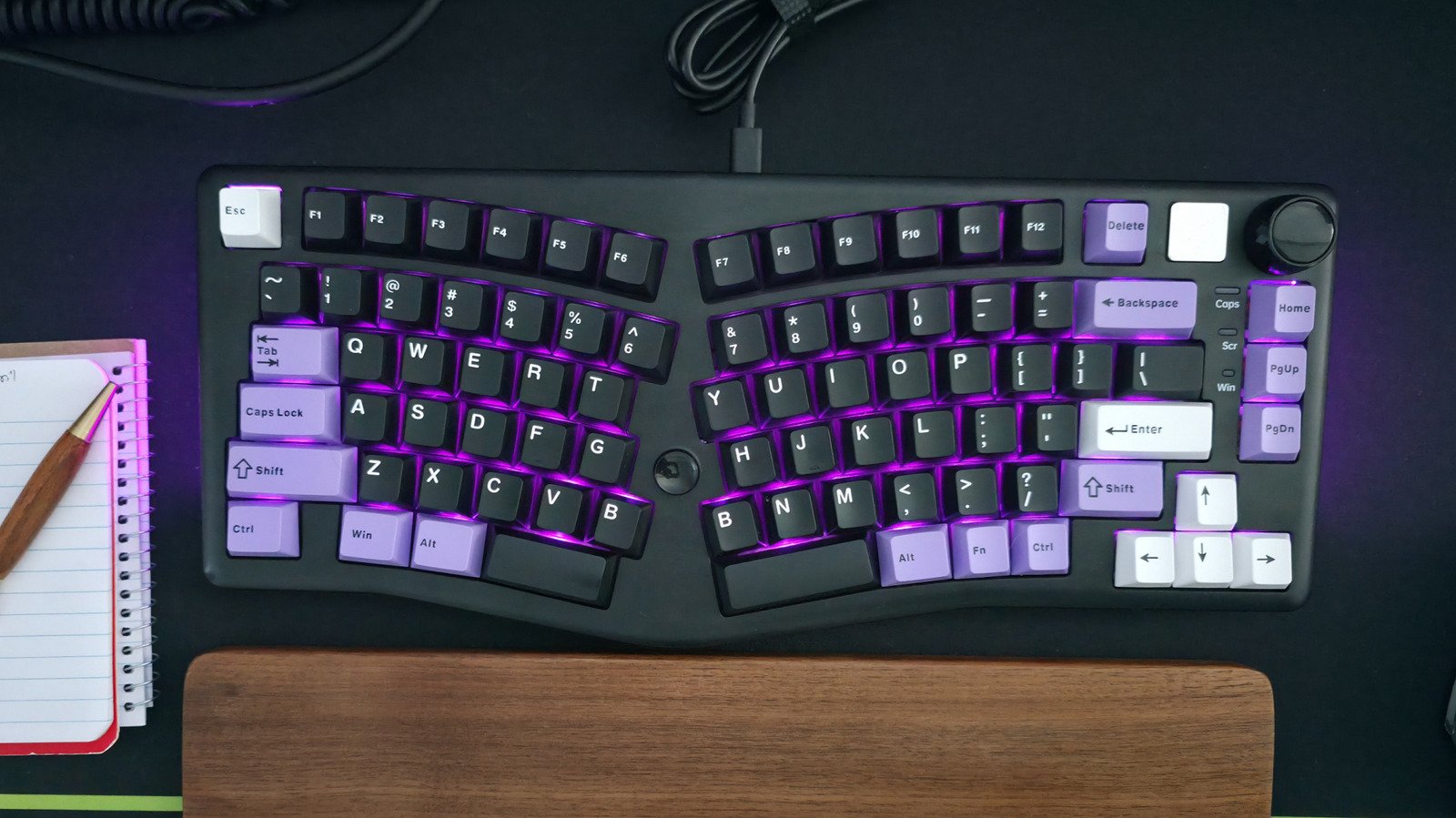
    Save your best ports for your most demanding devices.


    Max Miller for Engadget

    Setting up your computer can be a complicated process, but one thing you’d assume to be simple is plugging in your USB accessories and peripherals such as a keyboard and mouse. Unfortunately, even that seemingly simple act requires a bit of technical knowledge without which you’ll end up hamstringing yourself in the long run.

    If you’re unfamiliar with the intricacies of various USB standards, it can be difficult to know which ports are best suited to a mouse or keyboard. Your computer may have anywhere between a single USB port and over a dozen of them. But they’re not all created equal. One may be a high-powered USB 3.2 Gen 2×2 or USB4 port capable of blazing fast speeds, while another might be a low-powered USB 2.0 port.

    Your keyboard and mouse are most likely to be your least demanding accessories, requiring very little bandwidth. While any port will power your input peripherals and allow them headroom to perform at their best, choosing the wrong ports will leave you with worse options for other, more demanding accessories such as portable SSDs and storage drives, external monitors and USB hubs. To leave those ports free, your keyboard and mouse should be plugged into any open USB 2.0 ports. Here’s why.

    Save your high-speed USB ports for SSDs and bandwidth-hungry devices
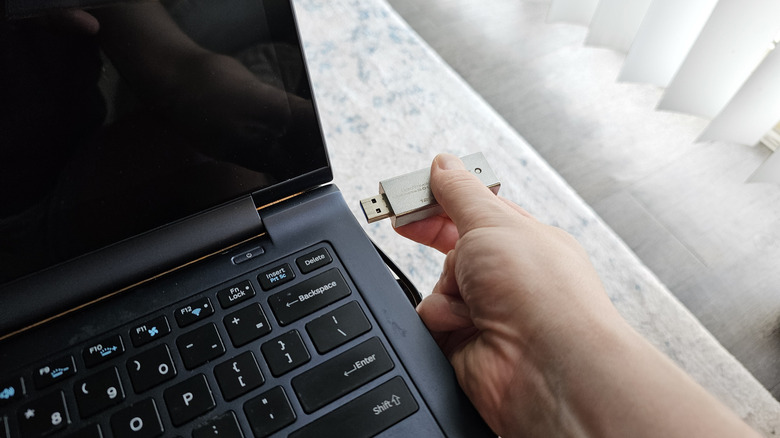

    Connecting USB flash drive to laptop
    Max Miller for Engadget

    In general, you should connect a mouse or keyboard to your least powerful USB ports. Input peripherals require very little power and data to work properly, so they do not require the high charging speeds and data transfer capabilities of USB 3.x or USB4 ports. Those ports should be saved for flash drives, SSDs, and other storage devices which require a USB port’s full capabilities to achieve their best performances.

    There are a few caveats to that rule of thumb, though. First, if you’re connecting your mouse and keyboard through one of the best USB-C hubs or docks, and also plan on connecting storage devices or other high bandwidth gadgets to the hub, you should choose a high-speed USB port that is suited to those devices. If the USB hub itself has multiple port types, connect the mouse and keyboard to the lowest-speed ports among them.

    If your computer has both USB Type-A and Type-C ports, the USB-C ports are likely (though not guaranteed) to deliver higher speeds. Therefore, if your keyboard or mouse uses a USB-C connection, it can be a good idea to connect those devices to your computer with a USB-C to USB-A cable.

    Lastly, if your keyboard itself has a built-in USB hub with USB 3.x ports, you should connect the keyboard to a high-powered port on your computer in order to support devices plugged into the keyboard. If you only plan to run a mouse out of the keyboard, you may still be okay using a lower-spec port, so choose whichever arrangement best supports your ideal use case.

    Share. Facebook Twitter Pinterest LinkedIn Tumblr Email Telegram Copy Link
    News Desk
    • Website

    News Desk is the dedicated editorial force behind News On Click. Comprised of experienced journalists, writers, and editors, our team is united by a shared passion for delivering high-quality, credible news to a global audience.

    Related Posts

    US Science & Tech

    Phoebe Gates’ AI Shopping App Phia Reportedly Claimed Unearned Affiliate Sales Through Fake Clicks

    July 11, 2026
    US Science & Tech

    Philips Offers Free Replacements After Update Bricked Smart Lighting Hubs

    July 11, 2026
    US Science & Tech

    Smart glasses without a camera? Even Realities bets productivity beats recording everyone

    July 11, 2026
    US Science & Tech

    OpenAI’s Head Of Safety Is Reportedly Leaving As Part Of Company Reorganization

    July 11, 2026
    US Science & Tech

    OpenAI bets on families as ChatGPT goes deeper into households

    July 11, 2026
    US Science & Tech

    Steam Machine, Samsung Music Studio 7, Oura Ring 5 And More

    July 11, 2026
    Add A Comment
    Leave A Reply Cancel Reply

    Don't Miss

    Chrisean Rock Reveals Painful Injuries After Miami Bike Accident

    News DeskJuly 11, 20260

    Whew! Chrisean Rock had a little scare while enjoying some downtime in Miami, but luckily…

    Environment Canada issues tornado warning for parts of Manitoba – Winnipeg

    July 11, 2026

    Veteran Grant Enfinger wins wild NASCAR CRAFTSMAN Truck Series Race at historic Lime Rock Park

    July 11, 2026

    El genio de Wes Anderson recibe su merecido en su tributo al Hollywood Bowl – Celebrity Land

    July 11, 2026
    Tech news by Newsonclick.com
    Top Posts

    Guadalajara fans pack Plaza Liberación for World Cup opening day

    June 11, 2026

    MPs accuse Champagne of voting on high-speed rail despite conflict

    June 11, 2026

    ‘Love Island’ Sean Reifel Can Get Job Back, But Not Easily

    June 11, 2026

    Gisele Bündchen Returns to W Magazine Nearly Two Decades After Her Last Cover

    June 11, 2026
    Stay In Touch
    • Facebook
    • Twitter
    • Pinterest
    • Instagram
    • YouTube
    • Vimeo

    Subscribe to Updates

    Get the latest creative news from SmartMag about art & design.

    Editors Picks

    Chrisean Rock Reveals Painful Injuries After Miami Bike Accident

    July 11, 2026

    Environment Canada issues tornado warning for parts of Manitoba – Winnipeg

    July 11, 2026

    Veteran Grant Enfinger wins wild NASCAR CRAFTSMAN Truck Series Race at historic Lime Rock Park

    July 11, 2026

    El genio de Wes Anderson recibe su merecido en su tributo al Hollywood Bowl – Celebrity Land

    July 11, 2026
    About Us

    NewsOnClick.com is your reliable source for timely and accurate news. We are committed to delivering unbiased reporting across politics, sports, entertainment, technology, and more. Our mission is to keep you informed with credible, fact-checked content you can trust.

    We're social. Connect with us:

    Facebook X (Twitter) Instagram Pinterest YouTube
    Latest Posts

    Chrisean Rock Reveals Painful Injuries After Miami Bike Accident

    July 11, 2026

    Environment Canada issues tornado warning for parts of Manitoba – Winnipeg

    July 11, 2026

    Veteran Grant Enfinger wins wild NASCAR CRAFTSMAN Truck Series Race at historic Lime Rock Park

    July 11, 2026

    Subscribe to Updates

    Get the latest creative news from FooBar about art, design and business.

    Facebook X (Twitter) Instagram Pinterest
    • About Us
    • Editorial Policy
    • Privacy Policy
    • Terms and Conditions
    • Disclaimer
    • Advertise
    • Contact Us
    © 2026 Newsonclick.com || Designed & Powered by ❤️ Trustmomentum.com.

    Type above and press Enter to search. Press Esc to cancel.