
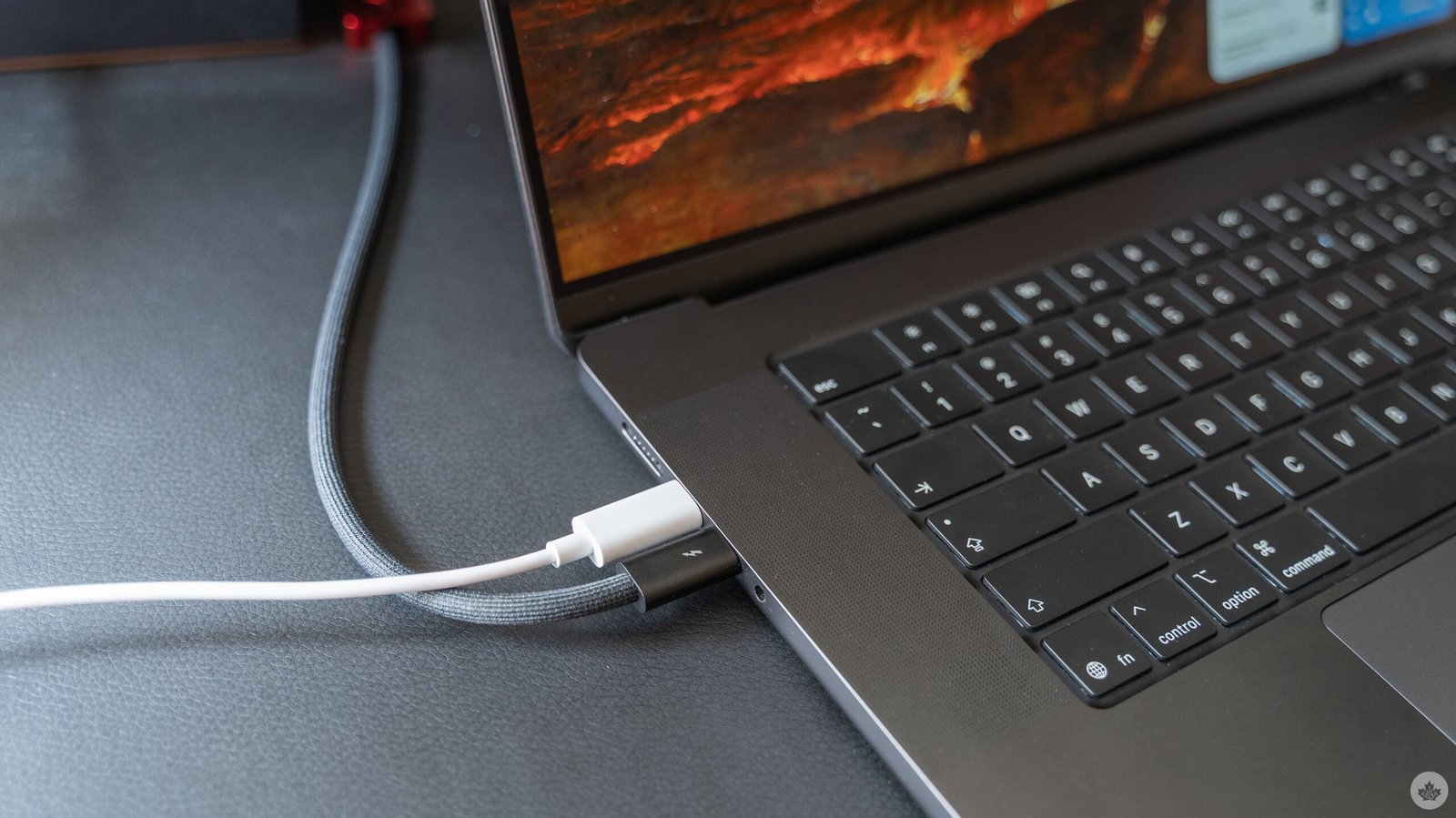
There’s a lot to love about USB-C cables, but trying to keep track of what my cables can actually do drives me nuts. Between the various USB and Thunderbolt standards, display output options, power, and more, it’s enough to make anyone a bit loopy.
However, I recently learned about a handy free Mac app that can help users quickly figure out what all their fancy cables can do. The free, open-source app WhatCable offers easy access to information about any cable plugged into your Mac via a menu bar shortcut. With a click, you can get a detailed read-out of all your ports, connected cables, devices, and more.
The app works by reading all of the details that macOS already gathers from cables, but doesn’t show users. It then makes that information quickly available to see from the menu bar shortcut.
In my own testing, WhatCable was able to quickly detect that I had a single Thunderbolt 5/USB-4 cable plugged in, that it was charging at up to 140W, running at full data speed (80Gbps) and pushing full display quality to my connected screens. More than that, it was even able to detect that I had my MacBook Pro connected to a Ugreen docking station and listed all of the different ports available on that docking station, as well as what I had plugged in.
WhatCable also goes beyond simple cable details and provides a number of diagnostic tools for customers who pay for the Pro version. (WhatCable thankfully doesn’t do a subscription, instead charging a £9.99 (or C$19.68, based on Stripe’s conversion rate at the time of writing plus a four per cent conversion fee) one-time purchase that works on up to two Macs.
The Pro WhatCable includes a ton of diagnostic tools to help identify problem cables and connections. The diagnostic tools include checking for bottlenecks in charging, data speeds, and displays, fault warnings, cable e-marker data, device identity and more. Pro also adds features like cable history for longer-term diagnostics, live power metering, port health details, and other tools.
Overall, WhatCable seems like a pretty solid little utility app, especially for anyone who regularly connects a ton of peripherals to their Mac. I know it would have been a very helpful tool for me when I was diagnosing display issues earlier this year (turned out to be one of my cables, surprise surprise). Here’s hoping it helps someone else out, too.
You can download WhatCable for free from its website, or install it via Homebrew. Alternatively, there’s an option to install just a command-line tool with no app or menu bar interface. WhatCable requires macOS 14 or later, and only works on Apple Silicon.
