
At CES 2026, I went hands-on with several tech-enabled glasses. I tried TCL’s RayNeo X3 Pro AI+AR smartglasses, checked out Lucyd’s camera-free glasses, and played games with the ROG Xreal R1. However, there were two glasses that pretty much did the same things, but I thought one provided more usability than the other.
During the convention, I played around with the Xreal 1S and the RayNeo Air 4 Pro. The purpose of both of these glasses isn’t AI, but instead, the glasses are used for entertainment, such as watching YouTube videos, playing games on your Nintendo Switch or anything else you can plug into a USB-C port.
While both glasses do essentially the same thing, they have some major differences, and while spec-wise the Air 4 Pro should be the right option, these differences are glaring and tainted my experience with TCL’s AR glasses option.
It’s worth noting that I didn’t have long periods with either of the glasses, just enough time to make some impressions.
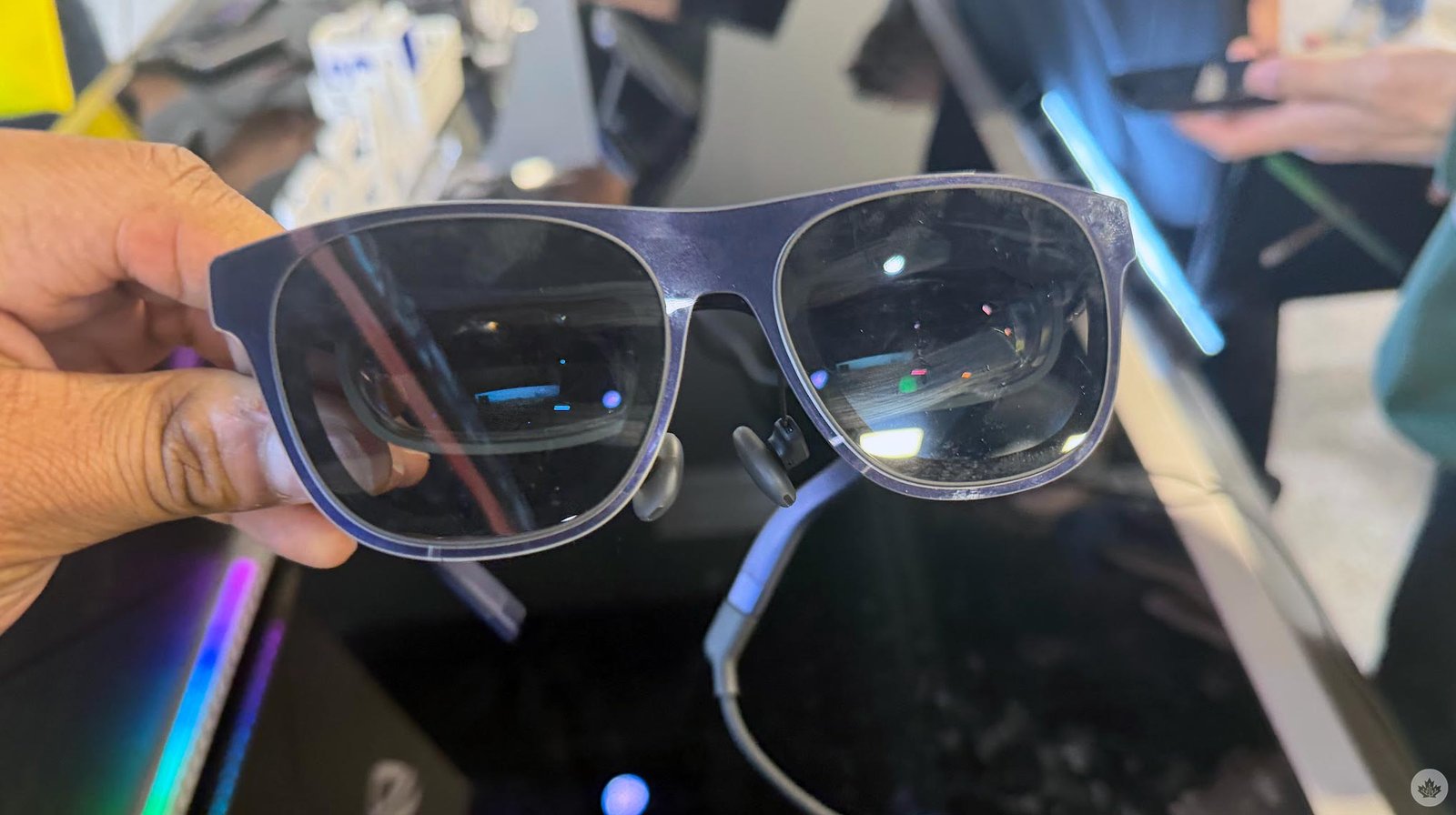
The RayNeo Air 4 Pro feel good when you’re wearing them, and at 76g, they’re pretty light on the nose, which would be good for watching content for a while. And while I was in a pretty loud room for the TCL demo, I was still able to hear the content thanks to the Bang & Olufsen four-speaker setup. I would still need to be in a much quieter room to really test out its audio capabilities, though.
- Wearing the RayNeo Air 4 Pro
-
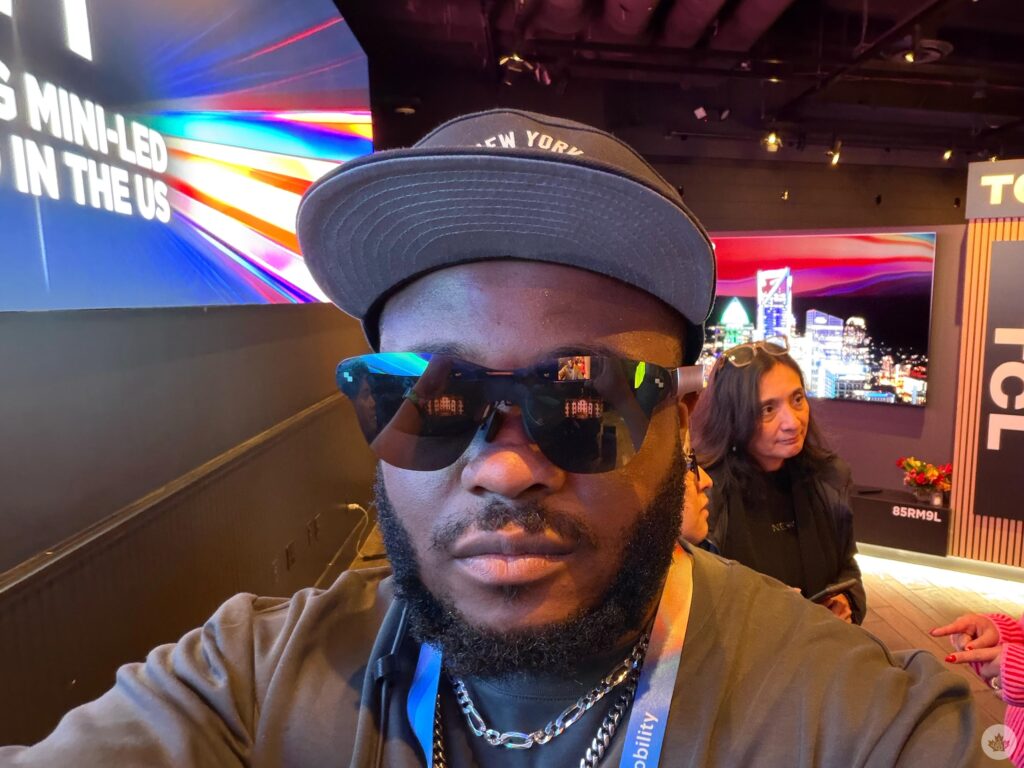
- Wearing the RayNeo Air 4 Pro
The RayNeo Air 4 Pro also offers HDR10 for better contrast and up to 1,200 nits of brightness. On paper, it’s perfect, but it has some glaring issues for me. For one, the glasses have a 201-inch virtual display at 6m distance, but you can’t adjust the size or distance. The glasses use a fixed optical design, and the screen is locked, though you can adjust the nose pads or use some spatial apps, like the RayNeo XR app on Android.
However, the fact that it can’t do it natively is pretty frustrating. The Xreal 1s (and all the ‘Xreal One’ devices before it), on the other hand, has no problem doing this, changing the distance or the size of the virtual screen. You can have the virtual screen anywhere from one to 10 meters and the size from 31 to 500 inches. While the peak brightness of 700 nits isn’t as bright as the RayNeo Air 4 Pro, the viewing experience was still optimal even on the CES show floor. I could also hear content, but it wasn’t too loud. I think being able to change the distance and size of the virtual screen is optimal and allows for any viewing experience. You can even give yourself an ultrawide virtual screen.
Another bonus to the Xreal 1s over the RayNeo Air 4 Pro is electrochromic dimming, allowing you to dim the background so that you have a movie theatre experience. This is one of the reasons why the RayNeo Air 4 Pro needs the higher brightness. Still lacking that movie theatre experience is a big miss for the RayNeo Air 4 Pro, and I noticed that immediately when I put on the glasses. I definitely wanted to black out the rest of the room in the demo, so I could focus on the content, but that wasn’t possible.
-
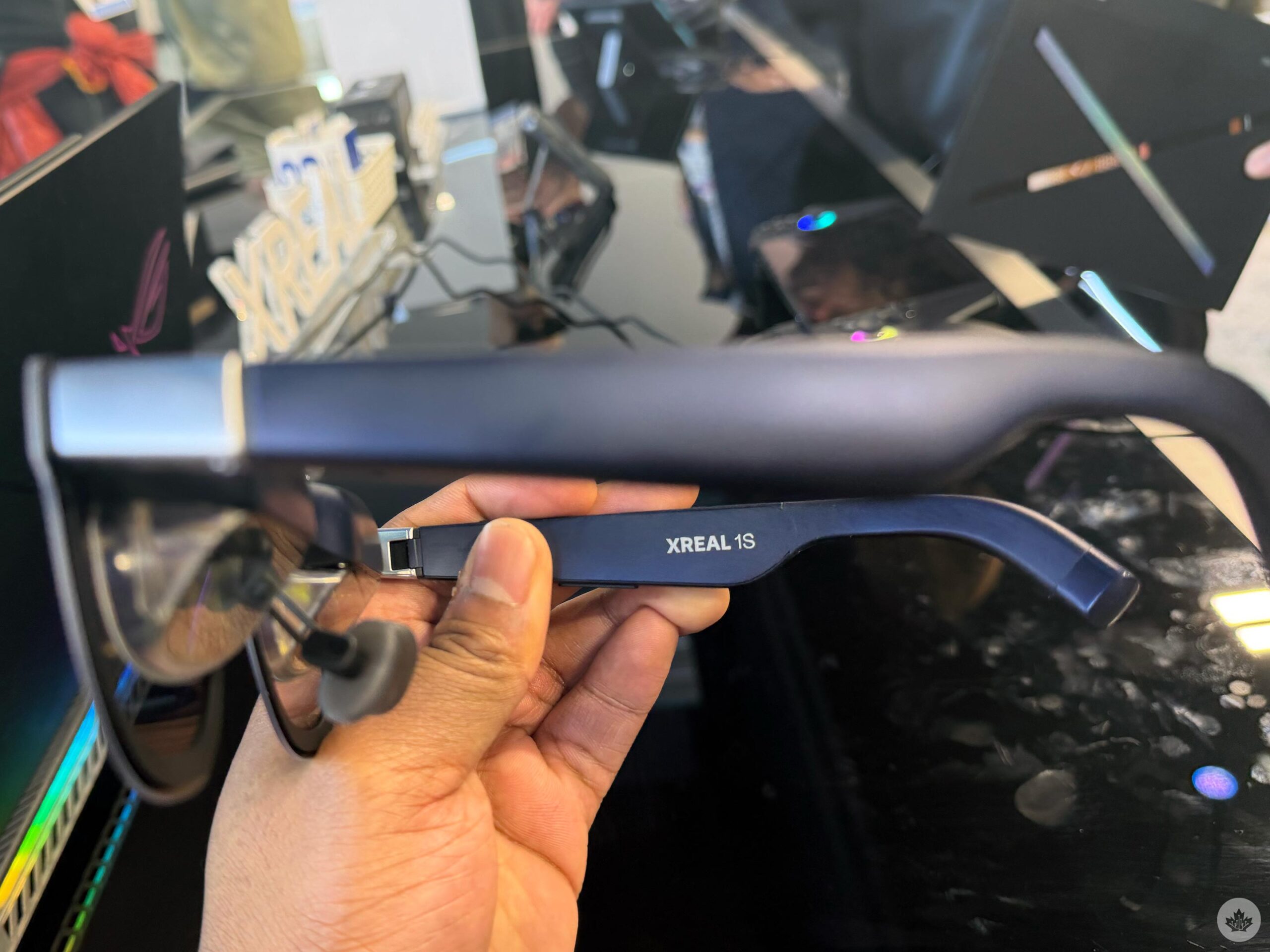
- Pictures of the Xreal 1s
-
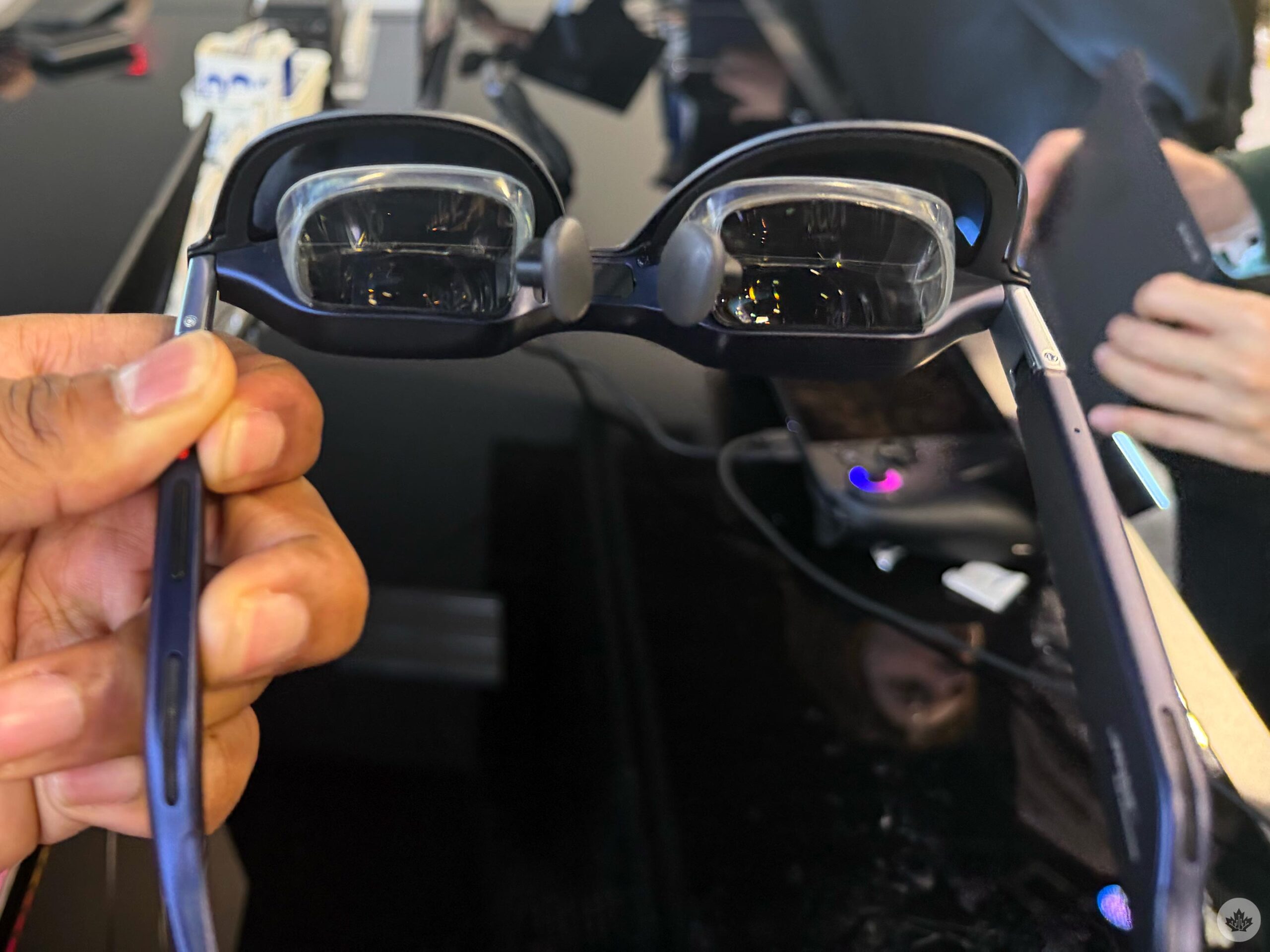
- Pictures of the Xreal 1s
Both glasses offer AI 3D video conversion, though I didn’t try it out on the RayNeo Air 4 Pro or the Xreal 1S. However, I previously tested that feature on the Xreal One Pro, which uses the same X1 spatial computing chip as the Xreal 1S. It’s a cool feature and makes gaming a lot more immersive, and it’s a point for the glasses, assuming it looks similar on both. The two devices also have a 120Hz refresh rate, though when you turn on HDR10 on the RayNeo, your display is locked to 60Hz.
The RayNeo Air 4 Pro is a great device that offers 1920 x 1080p resolution, HDR10, and peak brightness of 1,200. But the Xreal 1s has 1920 x 1200p resolution, peak brightness of 700 nits, but offers electrochromic dimming to dim your background and spatial features, so you can control the size and distance of your display and choose whether it’s anchored to a spot or follows when you move your head.
The RayNeo Air 4 Pro is US$299 (C$413), definitely more affordable than the Xreal 1S, which costs US$499 (C$690). However, if I were deciding which to purchase, I’d wait a month or two and save the extra US$150 (C$216) for the Xreal 1S.
