
This article is republished with permission from Wonder Tools, a newsletter that helps you discover the most useful sites and apps.
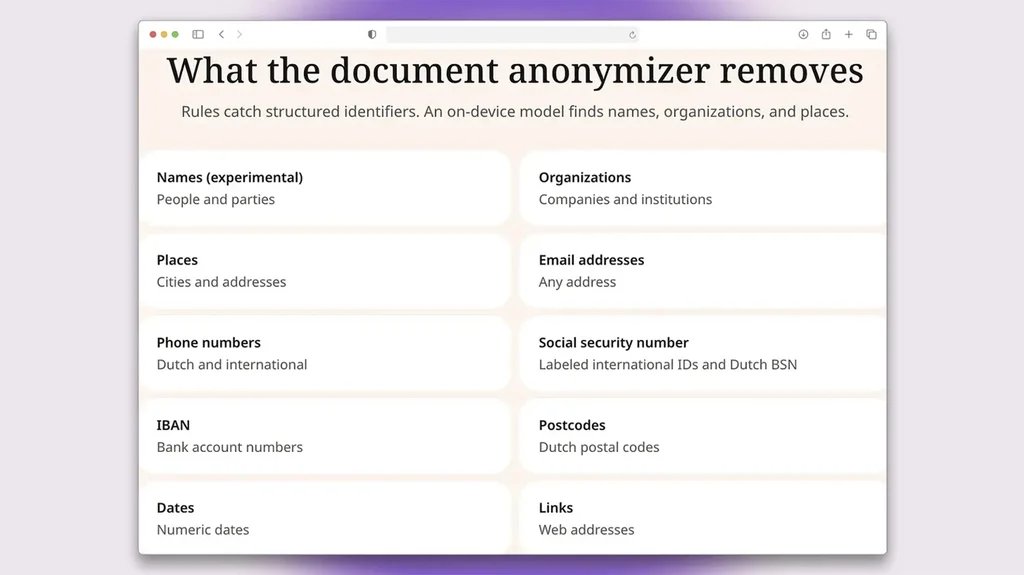
Weeve helps you avoid pouring private info to an artificial intelligence assistant. Upload a file or paste text you’re planning to run through an AI. Weeve removes names, addresses, company details, and other identifying elements. You can then use the anonymized text in an AI prompt.
It’s free and takes seconds. No download or log-in required.
Why this matters: If you’re on a free AI plan, what you feed a chatbot might later be used to train its model. (Opt out of training by adjusting your settings.) AI assistants have in some cases leaked sensitive material to the public. To reduce the likelihood of your info ending up in a database, strip out the private parts first.
When you might use this: Let’s say you’re double-checking on insurance fine print or a contract. Before signing that kind of complex agreement, it can be useful to have an AI assistant comb through the details. That makes it less likely you’ll miss something important buried on page 79, especially if you’re not a lawyer or a technical expert. Now you can use Weeve to avoid spilling the paperwork’s personal details into an AI query.
Weeve, a Dutch startup, makes a few other useful tools, including:
- Free transcription in 25 languages for recordings of up to 60 minutes
- A free online audio recorder
Private Meeting Transcription
Weeve’s primary product is a local-first AI note taker for Mac. It records, transcribes, and summarizes your meetings securely on your laptop. Nothing leaves your computer. No bot joins on Zoom.
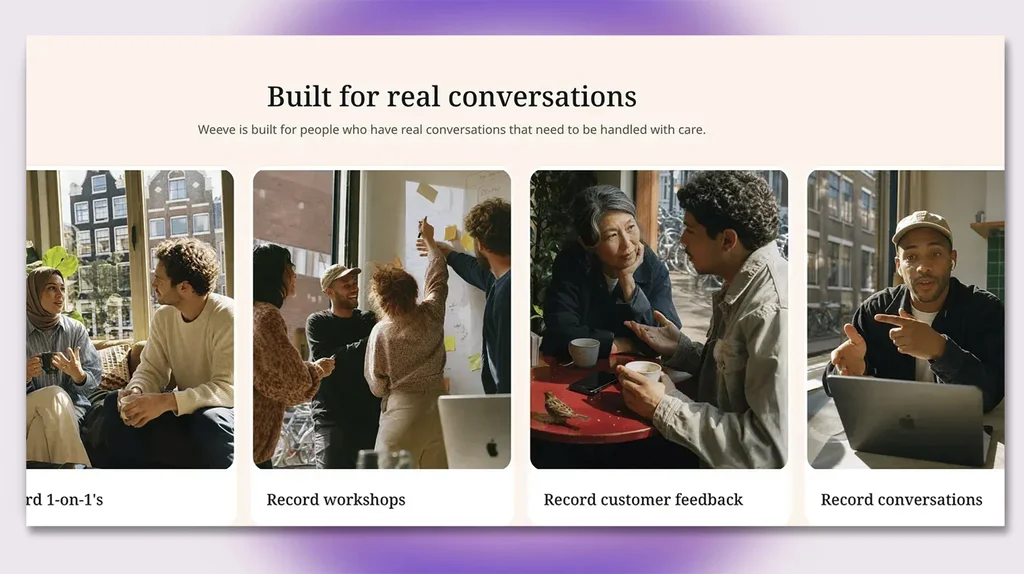
Pricing: The note taker is free for up to 10 recordings a month or 120 euros/year (about $140) for unlimited access.
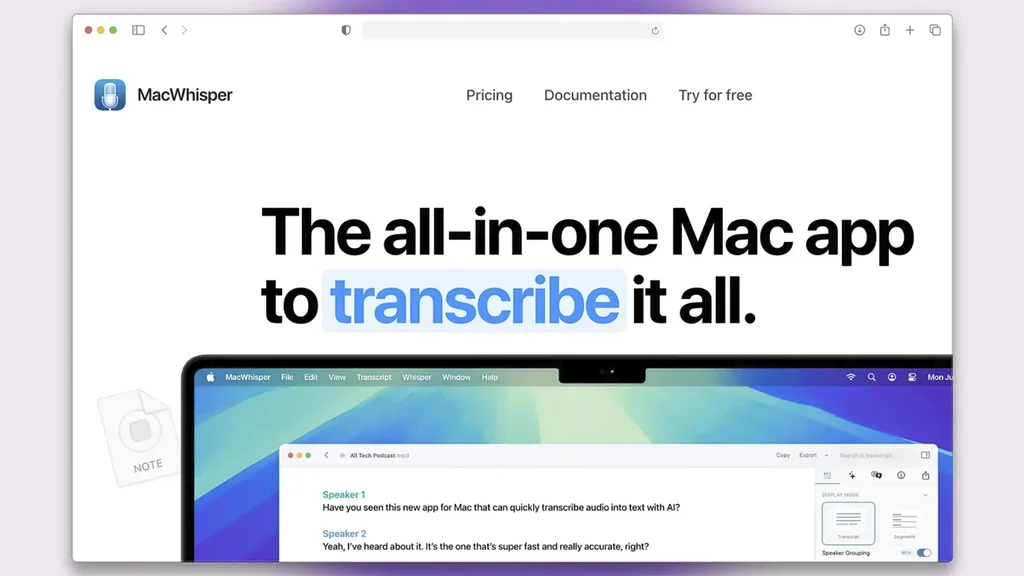
MacWhisper is a great free, private option I’ve used for years. It transcribes live meetings as well as YouTube videos and audio or video files. It works offline and nothing leaves your computer. The developer frequently updates it and adds new capabilities. If you want all the premium features, a lifetime license costs 64 euros (about $75). You can use it on multiple computers. I paid to upgrade because I use it to transcribe what I record on my Sony digital recorder.
Vibe performs a similar function for Windows (or Mac). It’s free, offline, and works in nearly 100 languages. You can record live or upload video or audio files. Bonus feature: transcribe videos from YouTube, Facebook, or LinkedIn by pasting in a URL.
Note: All of these tools use your laptop’s mic, so they work for in person and online meetings. The transcription quality across services is consistently high, so deciding among them is mainly a matter of price, design, and which specific features you prefer.
Caveat: For most private services like these, you’ll have to download local AI models to process audio on your device. That can take up lots of space on your laptop. It works best if you have at least 8GB of RAM. Your 2018 computer may struggle.
AI Paper Trail: See What You’ve Revealed
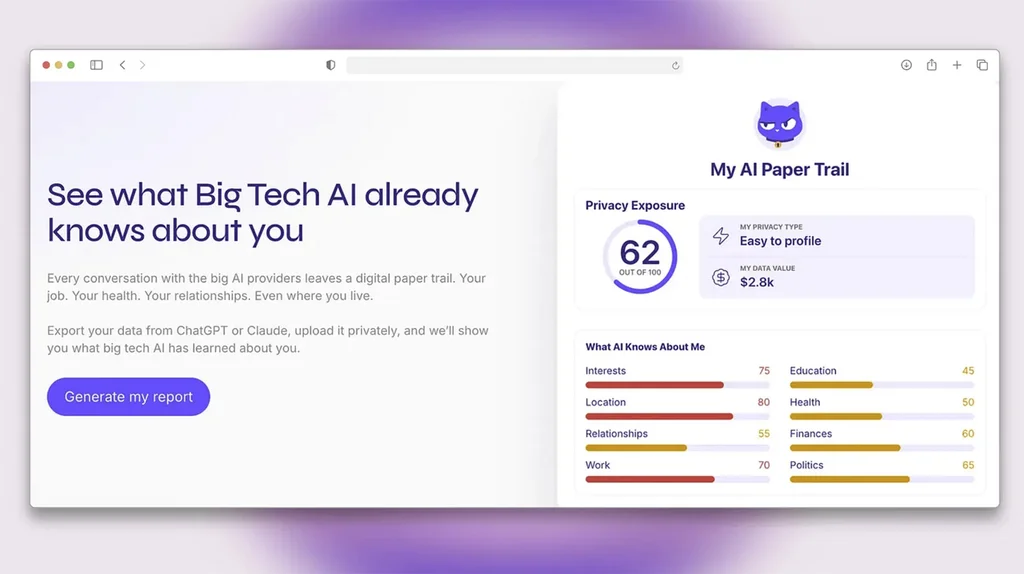
Export your AI memory from ChatGPT or Claude. Then import that file containing your past dialogues into the Lumo AI Paper Trail app. It will analyze how much you’ve exposed to AI tools. No one but you has access to the assessment.
I was surprised by how detailed a digital profile I had accumulated over the past couple of years. Seeing how much you’ve revealed might inspire you to erase part of your AI’s memory.
Proton runs the service. It’s a privacy-focused company based in Switzerland. Proton also offers privacy-focused email and VPN for surfing without being spied on. Its newest product, Lumo, is a confidential AI chat assistant.
Scrub a PDF
Basalt can securely redact anything from a PDF. Other tools allow you to draw a box on top of something to hide sensitive material. But the text underneath survives. Basalt actually destroys the redacted words or images. It also has 17 other PDF features, like compressing, watermarking, or comparing two PDFs to identify what’s changed. It works offline. Caveat: It’s a simple utility, so don’t expect design flourishes. You can’t use it to make a PDF look nicer.
Pricing: Free to try for 24 hours, then $29 for a lifetime license for up to three Macs.
Chat with AI Privately
Fully 63% of the top 500 AI companies assessed in a new analysis by Cybernews don’t disclose whether they train on user data. It’s hard to figure out what they do with your info. In the AI Trustworthiness Ranking, Google and Adobe were among the big names with the best scores for security and data privacy. RoomGPT and GenYOU earned the lowest scores. To share guidance, I’ve been trying several services that prioritize privacy.
Duck AI
DuckDuckGo’s free AI chat anonymizes your chats. You don’t need to log in or download anything. Nothing you type trains a model. Choose among ChatGPT, Claude, and open-source alternatives.
Pricing: Free for basic models, or $10/month ($100/year) for Plus, with more advanced AI and a VPN to keep all of your Web browsing private.
Privatemode
This German AI company keeps all data encrypted, even during processing. It’s designed mainly for people in regulated industries. But anyone can use the new encrypted Web chat version with open-source models. Free, with limits, for personal queries.
Venice
Private, uncensored chat. No log-in and no speech restrictions. Venice encrypts your prompts and doesn’t store them. It also lets you create characters to chat with or use ones other people have made.
Pricing: The free plan gives you 10 text prompts a day or 15 images. Pro ($18/month) includes unlimited text prompts, 1,000 daily images, and access to top text, image, and video models.
Bottom Line
Of these chat options I feel most comfortable relying on Proton’s Lumo AI and Duck AI. They work well and both companies have strong track records. I trust them. For offline AI, I like Jan, a free app I wrote about recently.
This article is republished with permission from Wonder Tools, a newsletter that helps you discover the most useful sites and apps.
