
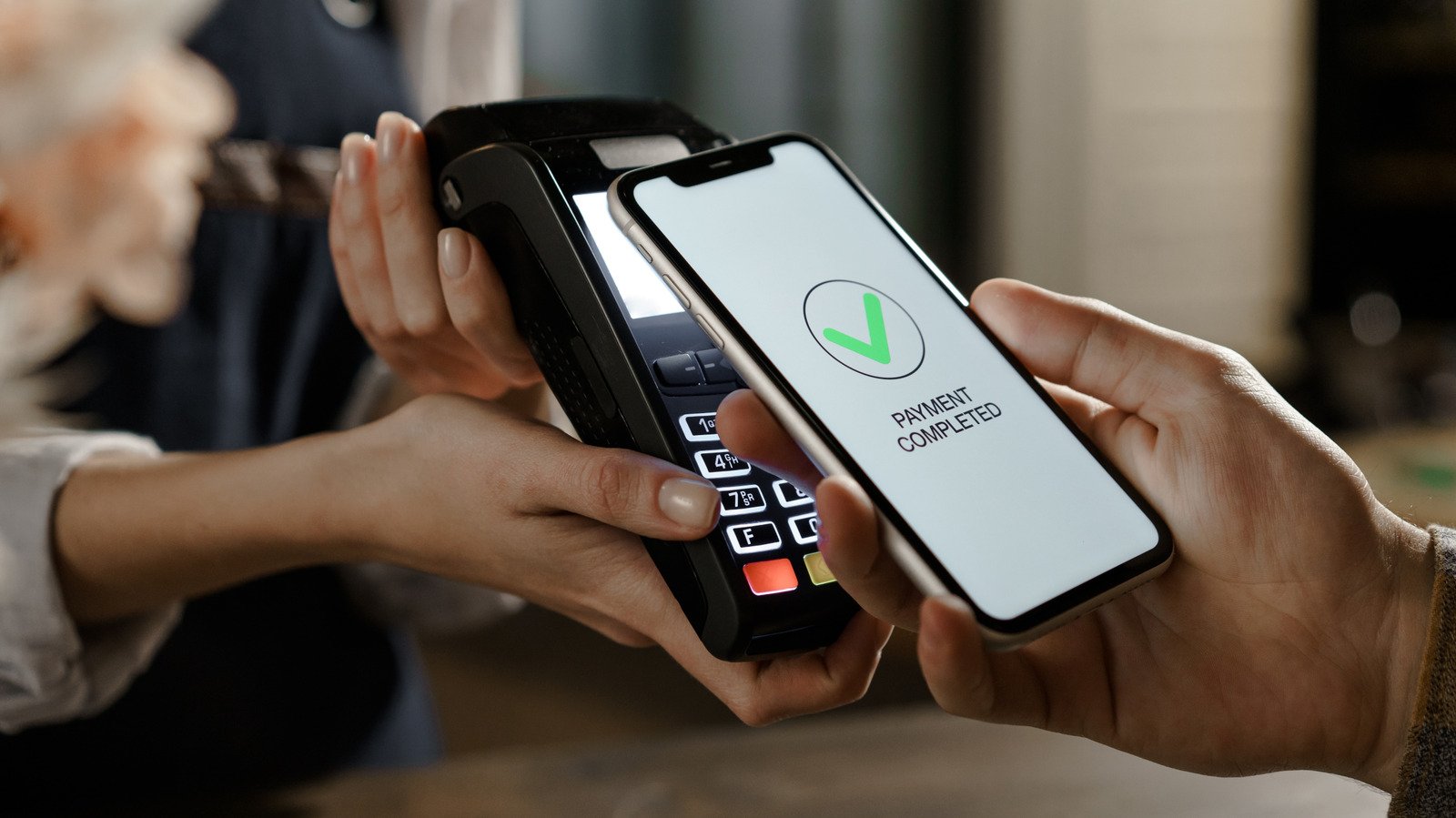
When you lose your phone, the cards in your digital wallet are one of the most precious items. Thankfully, it’s easy to disable them remotely.
Panic sets in the moment you reach for your phone and realize it’s not there. Did you leave it at the local coffee shop or forget it at the airport? You can use Find My for iPhone or Find Hub for Android devices to track it down. But if you’re unable to retrieve your device right away, it’s vital to secure your confidential information in case someone picks it up.
At the top of the list is your digital wallet. Disabling it is important so no one can access your payment cards, loyalty accounts, digital tickets, gift cards or other passes. You might even have a digital car key on your phone, or a mobile ID that acts like your passport.
Thankfully, it’s easy to remotely disable access to your lost digital wallet using a secondary device like your tablet or laptop, or even a family member’s phone.
How to disable your digital wallet on Android
First, you’ll need to secure your Android phone by marking it as lost. The best way to do this is to visit Find Hub on any device. Sign into your Google account, select the device in question, and choose Mark as lost. You will need to enter your device’s PIN, pattern, or password.
Once you do this, your phone will log out of your Google account and remove all cards from your Google Wallet. You can also choose to display a message on your phone’s lock screen with a contact number, so a good Samaritan can arrange for a safe return if they find the device. Once your phone is back in your hands, you can add your cards back to Google Wallet.
If you can’t access your Google account for whatever reason, there’s another way to protect your phone: Remote Lock. Go to android.com/lock from a browser on any device. There, enter your phone number, along with the security information required to identify yourself, to lock your Android phone. As long as the device is online (or once it connects to the internet), it will lock down so nobody can use it.
It’s worth noting that Samsung Galaxy phones have their own layer of security if you have set up SmartThings Find. By default, it locks Samsung Wallet and suspends transactions until you can verify your identity. Go to the SmartThings Find website from any device, sign in to your Samsung account, select your phone, and select Lock. By default, this will lock access to Samsung Wallet and all your digital cards.
How to disable Apple Wallet on iPhone
The process is similar with iPhone. On another of your Apple devices, open the Find My app to locate your phone under Devices. Alternatively, open Find My in a browser. There, tap your device and enable Lost Mode. This locks your iPhone down, preventing access to Apple Pay. If you recover your device and re-authenticate, the contents of your Apple Wallet will be restored.
If you can’t locate the device via Find My iPhone, or you want to take a further step, you can remove the cards from your Wallet entirely. Go to Settings on another Apple device, select your name at the top, choose the device that’s lost, find Wallet & Apple Pay, and select Remove Items. You can sign into your Apple Account on the web to take the same action if needed.
Other steps to know when your phone is lost
While your phone is missing, it’s also a good idea to check the security settings for your applicable accounts (Google, Apple or Samsung) using another device. You can see where your account is signed in to help determine if an unauthorized person has accessed it.
If you’re not able to recover your phone right away, consider contacting your bank and cards issuers to report the digital versions of your cards as lost or stolen so they can be frozen. Some banks allow you to freeze a card from the app if you log in from another known device. It’s more convenient to freeze the digital version of your card, since that can easily be re-added later. If you mark the main card as compromised, you have to wait for a new one to come in the mail, and it will have a new number you have to update everywhere you used the old one.
As a last resort, you can factory reset your phone if you don’t think you’ll find it. On iPhone, doing so remotely through Find My deletes all your data but keeps Find My and the Activation Lock feature enabled. This lets you continue to track it and prevents anyone else from setting up the device as their own. However, remotely resetting an Android device prevents you from tracking it afterward, so do that with caution.
Digital wallets are convenient and secure
There are pros and cons to using a digital wallet. You can pay for items on the go, use digital passes, and collect loyalty points without having to bring your wallet and physical cards. You can usually tap and pay without a separate PIN or signature. And since digital wallets are protected by your phone’s existing security, a strong PIN and facial recognition mean your cards are safe.
This all gives you time to lock your phone and wallet before someone can make unauthorized purchases, compared to physical cards that can be used immediately. Because wallet purchases use one-time tokenization, the thief won’t get your card data from a transaction. They also can’t skim the card information from a magnetic swipe like they could with a physical card.
While digital cards are overall secure, it’s still scary to consider that someone with your phone could get into your wallet and see all the cards you have. That lets someone learn what institutions you bank with, which events you’re attending, and even your upcoming flights. But by acting swiftly and locking or removing wallet items, you can get some peace of mind until your phone is returned or you erase it.
