
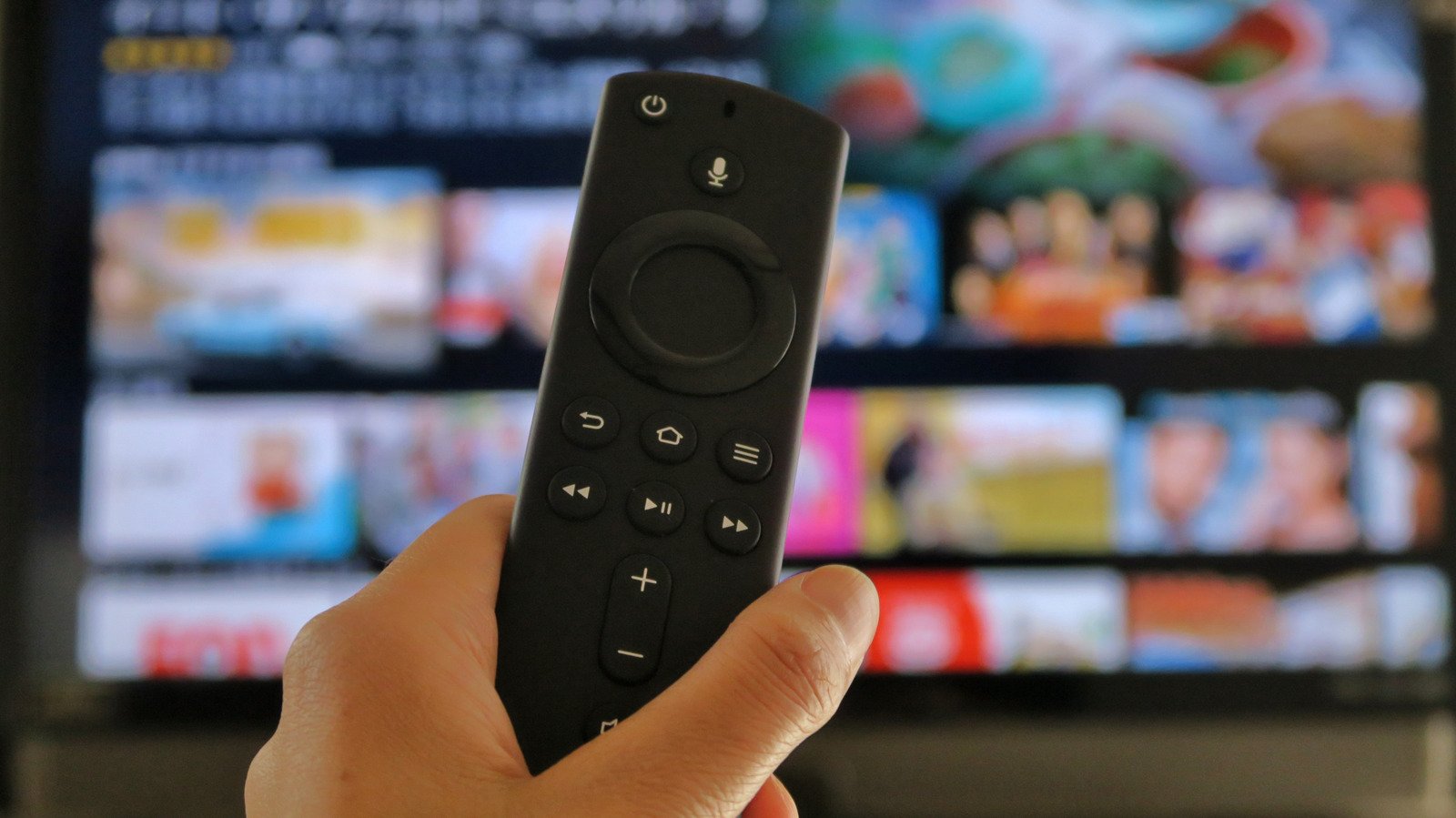
A Fire TV Stick can outlive its guaranteed support window, though aging apps and hardware may make you want to replace it sooner.
There isn’t an expiration date hidden in the settings menu of a Fire TV Stick. Amazon also doesn’t reveal a typical physical lifespan for its streaming sticks, nor does it inform owners to replace one after three, four or five years. That makes the question of “how long will it last?” a bit more complicated than it sounds.
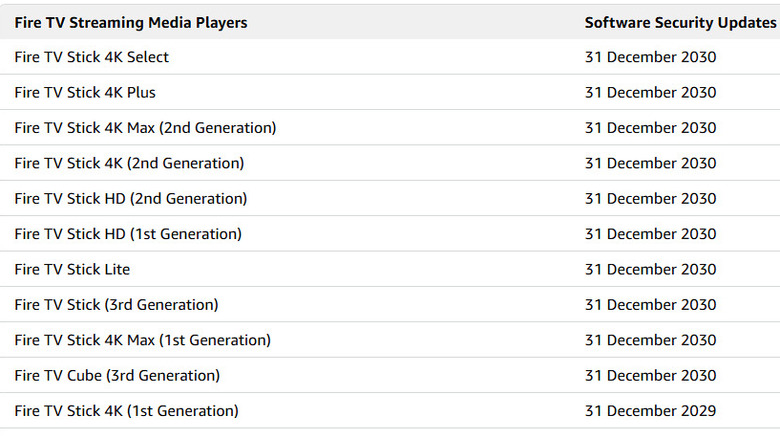
At least one of the numbers is firm. Amazon says security updates are provided for at least four years from the date the Fire TV device was purchased new from Amazon as the seller, or until the support date listed for that model, whichever is later. The Fire TV Stick 4K Select and Fire TV Stick 4K Plus are among the current models with security updates guaranteed through at least Dec. 31, 2030.
Amazon doesn’t call it a lifespan, though. A support deadline indicates the duration of security fixes, not when the hardware will decide it has streamed its last episode.
Four years is a minimum, but it’s not a countdown to the junk drawer.
Four years isn’t an expiration date
The Fire TV Stick can be fully functional beyond the security-update window, but simply turning on isn’t a very high standard for a streaming device. Older hardware can become increasingly uncomfortable to use as apps become more demanding, interfaces evolve and video standards advance, even if nothing has failed internally.
Video codecs are a part of that. Newer video codecs like H.265/HEVC and AV1 can compress video more efficiently than older codecs, but they also need the right decoding hardware. The Plus doesn’t have an advantage on that front, as Amazon’s current Fire TV Stick 4K Select and 4K Plus both offer hardware decoding for AV1 and H.265 at up to 4K60.
Apps can be less accommodating. Netflix itself notes that its app may no longer be available on some TVs and streaming devices made before 2015, providing a neat example of what aging really looks like for a streamer: The hardware can still work, while one of the reasons you bought it quietly stops working with it.
That doesn’t mean every Fire TV Stick has a 10-year lifespan, but it does show why declaring one “dead” simply because four years have passed is difficult to justify.
When should you actually replace your Fire TV Stick?
Slower streaming performance isn’t necessarily a retirement notice, either. Before giving up on your Fire TV Stick, Amazon suggests restarting it, installing available updates, clearing app caches and ruling out network issues. Insufficient power can also cause restarts, making a healthy stick look much more dramatic than it is.
Persistent problems are more convincing. Apps crashing repeatedly, services dropping support for your model, menus staying slow after troubleshooting or storage becoming a constant hassle are signs that an upgrade may actually help.
Buying slightly higher up the range can give you more breathing room. The Fire TV Stick 4K Select has 1GB of RAM and costs about $40, while the 4K Plus has 2GB for about $50. Amazon warns that memory pressure can kill apps on lower-memory Fire TV hardware, so that extra $10 buys more headroom as software gets heavier.
It doesn’t guarantee an extra year or two, and Amazon makes no such claim. The Select’s Vega OS has an efficient footprint and was designed to scale across devices. Still, doubling the RAM for roughly the price of lunch is worth considering if you’ll keep the stick for years.
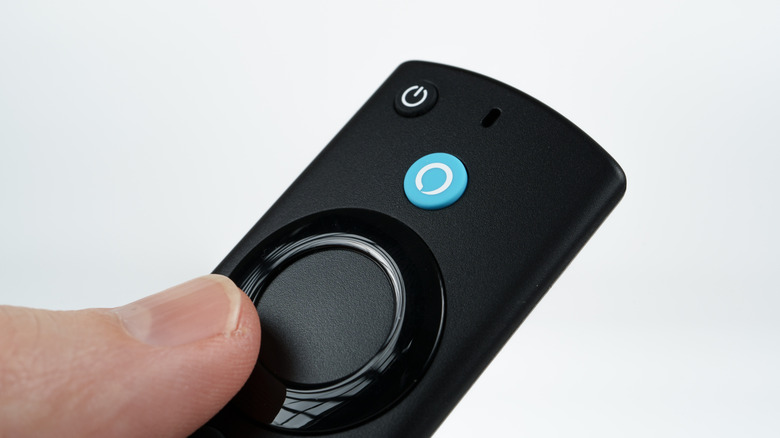
And then there’s the remote. Its two AAA batteries will need replacing, and a failed remote can be replaced separately. Amazon’s Fire TV mobile app can control the streamer too, so a dead remote doesn’t necessarily mean a dead Fire TV Stick.
Netflix discontinued support for first-generation Fire TV and Fire TV Stick devices in June 2025, The Verge reported, more than 10 years after they launched in 2014.
