
RATING : 8.5 / 10
- Sleek design
- Effectively works as a desktop
- Great typing experience
- Could use a video port
- Expensive
- Fans get loud in quiet rooms
When I tested an early version of HP’s Eliteboard G1a — a keyboard that has all of the guts of a desktop PC shoved inside of it — I was intrigued. Now, after spending time with a finalized version of the device, I’m convinced it’s a sign that computers will become totally unrecognizable in the next few years. But there’s a reason HP isn’t selling the EliteBoard as a consumer device: In its current form, and with its existing $1,499 starting price, it mainly exists to satisfy a bored IT manager’s curiosity. It’s not meant for you. But wouldn’t it be cool if it was?
Looking at the EliteBoard gave me flashbacks to the early days of PCs, back when the Commodore 64 was essentially just a massive keyboard box you connected to your TV. You’d have to go back to ASUS’s Eee Keyboard in 2009 for the latest stab at the keyboard PC concept, just as the smartphone revolution was just beginning. These days, the plethora of inexpensive ultraportable laptops and even lighter tablets on the market makes it tough for mainstream consumers to justify a genuine keyboard desktop.
But put yourself in the shoes of an IT worker who has to manage dozens of computers in a lab, or potentially hundreds or thousands across an entire organization. Really, I’m asking you to put yourself in my shoes twenty years ago, when I spent almost eight years working in IT at my college. I spent more time than I’d like transporting massive Dell desktops across campus with golf carts and hand trucks. Most of those machines were only ever lightly used in labs and offices. And while there are far more compact desktops around these days, they sure can’t beat the weight of the 1.5-pound EliteBoard.
Hardware: A desktop in keyboard clothing
What’s most remarkable about HP’s EliteBoard is how unremarkable it looks. Seriously, it looks exactly like dozens of other grey and black keyboards you find shackled to corporate machines. Even its weight doesn’t betray its secrets, since many mechanical keyboards tend to be pretty hefty. But look a bit closer and you’ll notice what makes it unique. Its keys have a soft touch covering, which practically invites your fingers to start typing. There’s also a decent amount of key travel, making for a responsive typing experience without the hammering of hard plastic you might feel and hear from cheaper keyboards.
Around the back, it has just two USB-C ports. That’s where things get a bit weird: One is a 45W port that can both power the Eliteboard and deliver a monitor signal to USB-C monitors. You can also power the system through its standalone USB-C charger from the other port, while using the first connection with an HDMI adapter. HP includes an HDMI hub that connects directly to monitors, giving you ports for connecting for an additional HDMI screen, USB-C charging and a separate USB-C connection to the Eliteboard.
Under the hood (or keys, as it were), the system features AMD’s Ryzen AI 300 chips, as well as user replaceable RAM and SSDs. My review unit shipped with a Ryzen AI 5 Pro 340 with Radeon 840M graphics, 32GB of memory and a paltry 512GB SSD, which is the bare minimum of what I’d expect from a corporate machine. There’s also built-in Wi-Fi and Bluetooth, as you’d expect.
HP also includes a wireless mouse with the EliteBoard, which is paired to the system out of the box. It’s perfectly fine for basic work and travel, but I found it a bit too light and flimsy. I think most people would be better off investing in something likeLogitech’s MX Master series for more serious usage, since it’s far more ergonomic and responsive.
Setting up the EliteBoard G1a
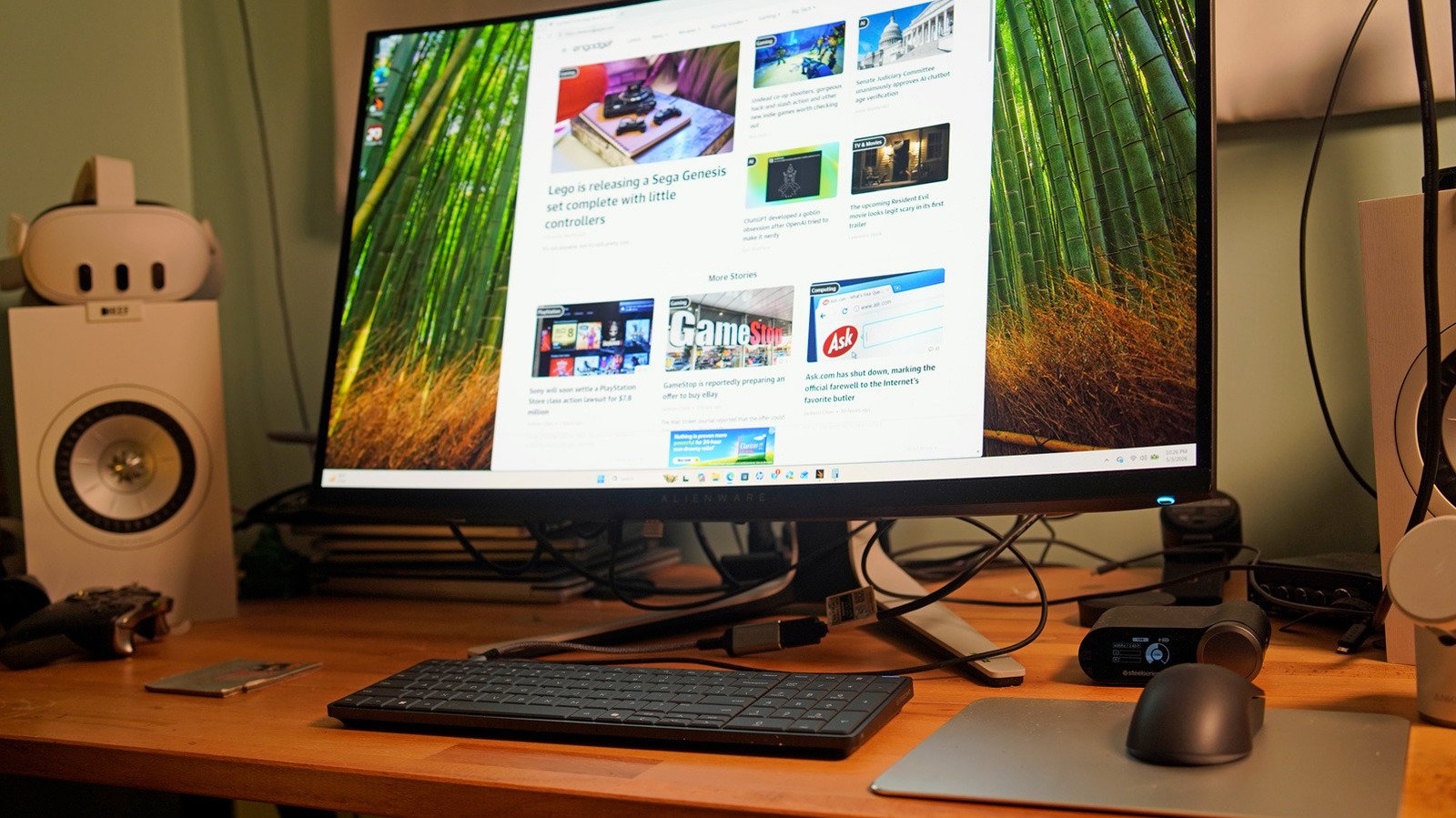
I’ll admit, I was confused by the system’s setup process at first, since I expected to see an HDMI or DisplayPort connection alongside its USB-C ports. Instead, HP suggests using either its bundled HDMI hub or connecting directly to a USB-C screen. The hub is functional, but its short cable length made it tough to plug into my Alienware monitor. I figure the company just wanted something that you could easily hide behind a screen. Connecting to a USB-C monitor is the cleanest option, since it takes only one cable to deliver both video and power signals to the EliteBoard.
My initial strategy of connecting the EliteBoard to a standalone USB-C charger and my own USB-C hub (which has an HDMI port) made my desk look like a mess of wires. And unfortunately, I couldn’t get HP’s hub to send a video signal to my monitor. So I picked up a $10 HDMI to USB-C adapter and plugged that into an HDMI cable. While the EliteBoard ultimately only needed two cables to get going on my desk, I couldn’t help but imagine how clean it would look if I had a USB-C monitor.
Beyond being ideal for computer labs and offices, HP also says the EliteBoard is built for workers who move between different spaces, like hot desking spots. For that situation, though, you’d ideally want USB-C monitors in every location. Dealing with HP’s HDMI hub every time would just be a pain. The system can also keep running for around three and a half hours as you move between different spots with an optional built-in battery.
Using the EliteBoard G1a: Well, it’s a Windows PC
Once I dealt with the wire work, the HP EliteBoard G1a was like any other PC. I booted it up, logged into Windows, configured my fingerprint on its built-in reader (which also covers the power button) and got to the desktop within five minutes. And after that, using it just felt like any other basic Windows system.
Installing apps from the Microsoft Store, browsing the web, watching YouTube videos, writing articles and checking email didn’t feel much different from other PCs I’ve seen recently. Its PCMark score of 6,736 puts it right alongside ultraportable laptops from two years ago, like HP’s Spectre x360 16 and other systems running Intel’s Core Ultra 7 155H chip. My review unit’s built-in Radeon GPU had only a meager amount of VRAM though, which threw up warnings every time I tried to run a 3DMark benchmark. You can probably get most of your office work done with the EliteBoard, but don’t plan to sneak in some game time. (Which honestly makes it even more compelling to businesses.)
HP deserves extra praise for paying attention to the keyboard part of its keyboard PC. Typing on the EliteBoard felt like a dream, and I never once felt like the experience was compromised by having a ton of hardware shoved inside it. Since it’s a full-fledged PC, you’ll definitely hear its fans spin up occasionally, which could be a problem in libraries and quiet labs. But at least you won’t feel much heat on the keys when you’re hard at work.
I was also surprised to find a tiny speaker on the EliteBoard, but it’s really only useful for hearing system sounds. If you want any sort of tunes, you’ll need to use Bluetooth speakers or headphones, or connect to computer speakers over USB-C.
Who needs the EliteBoard G1a?
The EliteBoard G1a had one job: to be an effective desktop in the shape of a keyboard. And it ultimately succeeded at that. But I’ll reiterate: Unless you’re working in IT, there’s no reason for you to even consider buying the EliteBoard G1a, especially at our review unit’s $1,795 price. (It starts at $1,500 without a battery, 16GB of RAM and a 256GB SSD.) Like Intel’s Compute Stick before it, the system’s design alone intrigues me, and the fact that it’s a pretty decent PC makes it all the more interesting. But any typical consumer in their right mind would be better off buying a small desktop PC if they wanted a clean setup.
While HP doesn’t plan to make the EliteBoard broadly available to consumers, company representatives have mentioned to me that they’ll be paying attention to its reception. If there seems to be demand for some sort of simplified consumer spin on a keyboard PC, at least HP will have some experience building one.
