
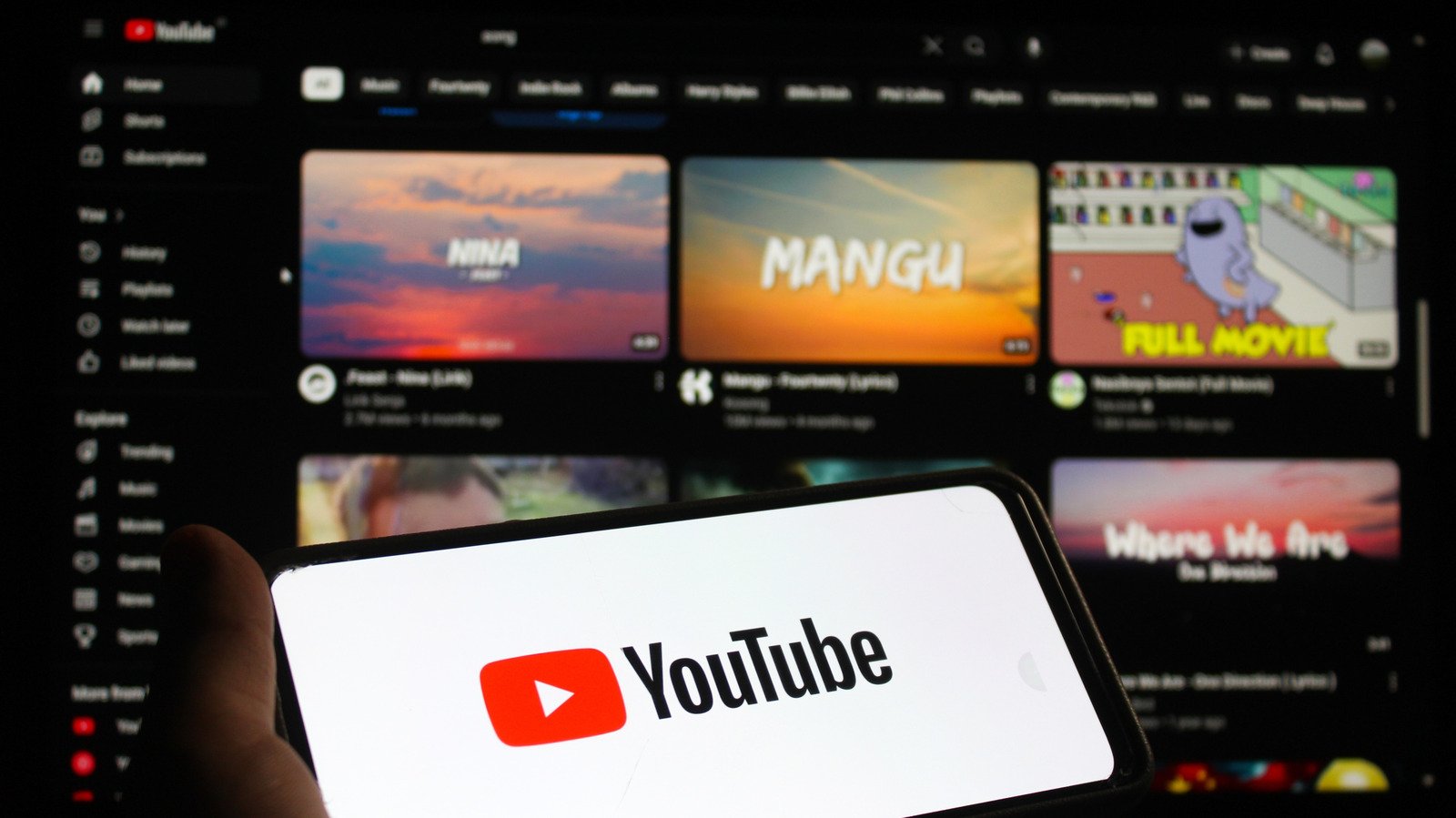
YouTube should show you more of what you like. If it doesn’t, you can nudge it back to relevancy.
YouTube’s absolutely massive wealth of videos means that relying on recommendations is the fastest way to find new content you’ll like, unless you want to spend a lot of time searching. Like most other platforms, YouTube’s algorithm picks up all kinds of signals from your activity to show you more that you’re likely to keep watching. This is great most of the time, but the algorithm can sometimes get tripped up and display a lot you’re not interested in.
If the site is showing you irrelevant suggestions in the right sidebar, at the end of videos and on the homepage, then you’re likely giving it the wrong idea about what you like — or not providing enough signals at all. It might take some time to retrain, but you can teach YouTube to show more of what you enjoy and less of what you don’t.
First, make sure watch history is enabled
You have to give YouTube permission to keep track of your watch history so it knows what you’re interested in. If you have the applicable setting turned off, YouTube may even show you a blank homepage with no suggestions.
To enable this setting, click your profile icon at the top-right of YouTube and choose Google Account. On the Google Account page, select Data & privacy from the left sidebar, then choose Personalization settings. In this menu, find YouTube History and make sure it’s enabled. The Subsettings checkboxes are optional but provide more data points to use in suggestions.
From this box, check the status of Auto-delete too. Google gives you the option to automatically clear this data every three, 18 or 36 months. Doing so means less information to use for recommendations, but it also gives the algorithm a more focused data set to work with.
The key step: Show YouTube what you like and dislike
Once you’re sure watch history is enabled, the most important way to improve your recommendations is to give the site lots of positive signals to work with. When you find a video you enjoy, watch it the whole way through and hit Like. Subscribe to creators you want to see more from and consider enabling notifications using the bell for your favorites. Leave comments to show engagement. Search for what you’re interested in and click on videos that appeal to you.
Favorable input is important, but you can provide YouTube with negative feedback too. Hit Dislike on videos that are uninteresting or waste your time. When you see a recommendation you don’t want to watch, click the three-dot (…) button on it and choose Not interested. If it’s the entire channel you don’t like, choose Don’t recommend channel instead. Be sure to unsubscribe from channels you don’t watch anymore. And remember that hiding YouTube Shorts is its own option.
The negative signals aren’t perfect; you might see the same recommendations again after a while, and it takes time for the algorithm to properly shift. But combining these two will help teach the service what you’re likely to click on.
Minimize incorrect watching
It’s easy to overwhelm YouTube with erroneous signs that you’re interested in something, like if a child uses your account on an iPad or TV. If this occurs in small doses, you can erase the unwanted activity manually. Use the X button that appears in the search suggestion dropdown to remove recent searches. Similarly, clear videos by opening the History playlist from the left sidebar and choosing Remove from watch history in the three-dot (…) menu.
However, it’s better to prevent this from happening in the first place. If your family watches YouTube using the TV app often, for instance, make sure you have everyone’s accounts added so nobody’s watching habits affect anyone else’s suggestions. There’s also an option to use the app without signing in, if needed. In case your kids keep picking the wrong account, you can lock yours (separate from YouTube’s parental controls). In the YouTube app for TVs, open the account page by selecting your icon from the left bar, then choose the Settings gear underneath your account. Use the Account lock option to set a code that you must enter to use that account.
When you’re about to watch videos that you don’t want to influence your recommendations on a desktop or laptop, use private browsing. In the mobile app, go to You > Accounts > Turn on Incognito. A stray video here or there shouldn’t have a huge effect, but this can proactively prevent you from sending the wrong signals to YouTube.
Manage your watch history (selectively)
In the Personalization settings menu discussed earlier, the Manage YouTube History link provides a full list of what you’ve done on the platform and gives fine-grained control over your historical data. Similar to the above, hit the X next to any entry to remove it from your log. To filter the results, click the calendar icon to only show entries from before a certain date or the search icon to look for specific terms.
This tool also holds a Delete button to mass-remove your historical data from the service. You have options to delete data from today, a specific time period or everything. The specific time periods are suitable when you have a block of unwanted watching, like if you’ve been troubleshooting a car problem but don’t otherwise care about auto videos.
You might have seen advice to completely wipe your YouTube history to improve recommendations, but whether you should do this depends on your situation. If your suggestions are completely terrible and nothing you see is at all relevant, then nuking and starting over can work. When you start from nothing, YouTube shows you the same “broad appeal” videos you see when you aren’t signed in, and it takes time to build up a revamped profile. If you go this route, it’s smart to have a list of channels you like on hand so you can start retraining YouTube right away after clearing.
Otherwise, more selective deletion offers a better balance. If you were really into gardening six months ago but have fallen out of love with it recently, use the custom range option to clear history from that period while keeping more recent data. From there, giving YouTube those discussed positive and negative signals should result in fewer poor recommendations, and hopefully fewer AI slop videos, over time.
