Close Menu

    Subscribe to Updates

    Get the latest creative news from FooBar about art, design and business.

    What's Hot

    Waymo accelerates robotaxi expansion with launches in Denver, San Diego and Tampa

    September 1, 2026

    Travis Kelce Reveals New Addition To His Family With Taylor Swift

    September 1, 2026

    Chappell Roan Debuts Shocking New Look, See Pics

    September 1, 2026
    Facebook X (Twitter) Instagram
    Select Language
    Facebook X (Twitter) Instagram
    NEWS ON CLICK
    Subscribe
    Tuesday, September 1
    • Home
      • United States
      • Canada
      • Spain
      • Mexico
    • Top Countries
      • Canada
      • Mexico
      • Spain
      • United States
    • Politics
    • Business
    • Entertainment
    • Fashion
    • Health
    • Science
    • Sports
    • Travel
    NEWS ON CLICK
    Home»Science & Technology»US Science & Tech»The Pros And Cons Of Using A TV As Your Computer Monitor
    US Science & Tech

    The Pros And Cons Of Using A TV As Your Computer Monitor

    News DeskBy News DeskSeptember 1, 2026No Comments5 Mins Read
    Share Facebook Twitter Pinterest Copy Link LinkedIn Tumblr Email VKontakte Telegram
    The Pros And Cons Of Using A TV As Your Computer Monitor
    Share
    Facebook Twitter Pinterest Email Copy Link

    There are plenty of reasons to consider switching your primary display, but do so for the right reasons.


    Bymuratdeniz/Getty Images

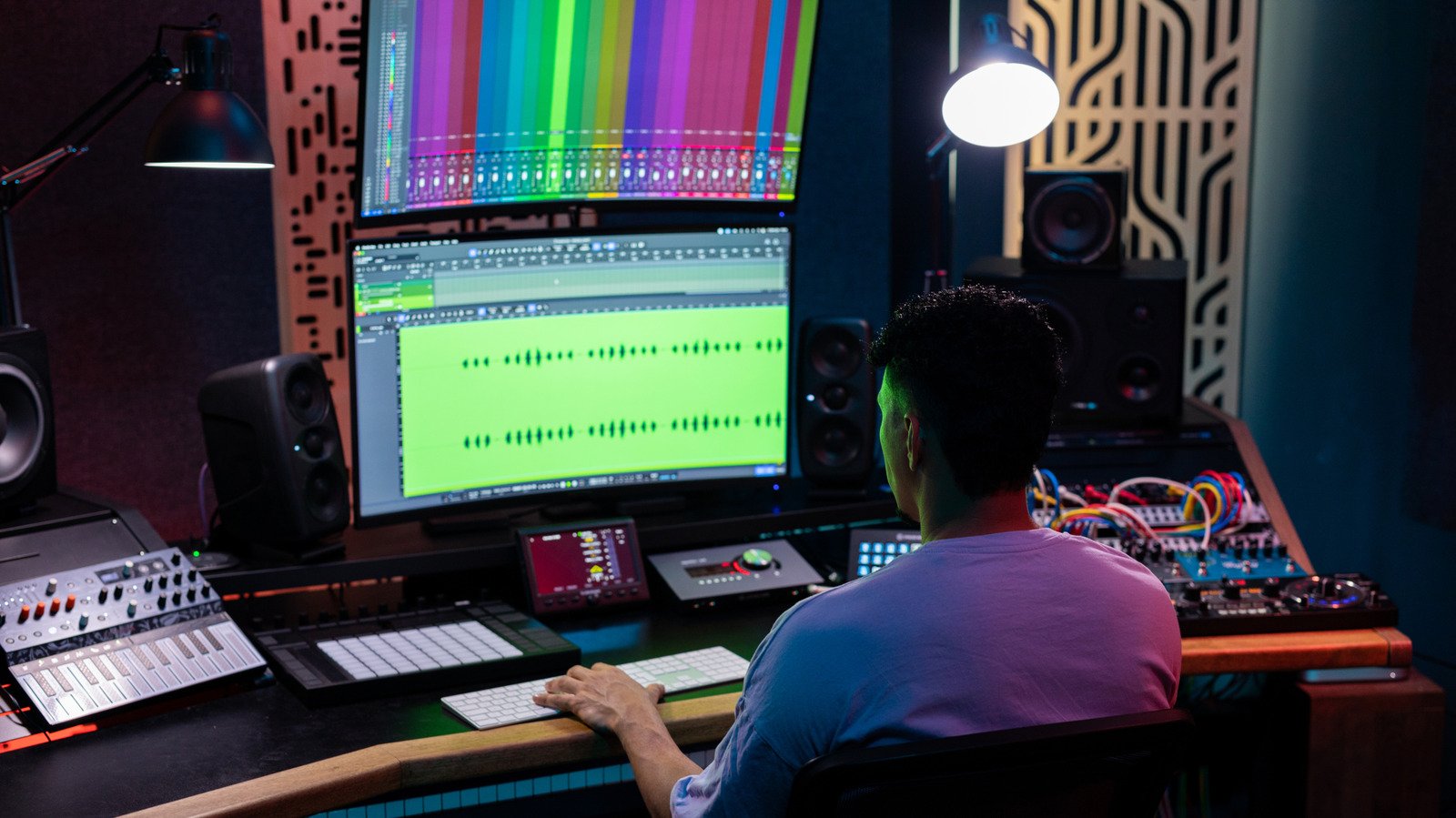
    One of the most important parts of a desktop setup is its monitor. They can make games feel more immersive or help boost productivity if you fill a large display with multiple windows. But monitors aren’t the only option. TVs, with their larger screens and low prices, can also be a viable alternative. Yes, you can use a TV as a computer monitor, but no two TVs are built the same, and there are a range of positives and negatives around bringing in a larger screen for work or gaming. Really, it all depends on how you use your computer.

    A TV isn’t just a giant monitor. There are some major differences between the two that you should be aware of. TVs are big and primarily built for your living room — that’s what makes them ideal for watching your favorite movies and TV shows. Monitors, on the other hand, focus on specifications like responsiveness and pixel density. These things matter more when it comes to work or gaming.

    Size and resolution matter
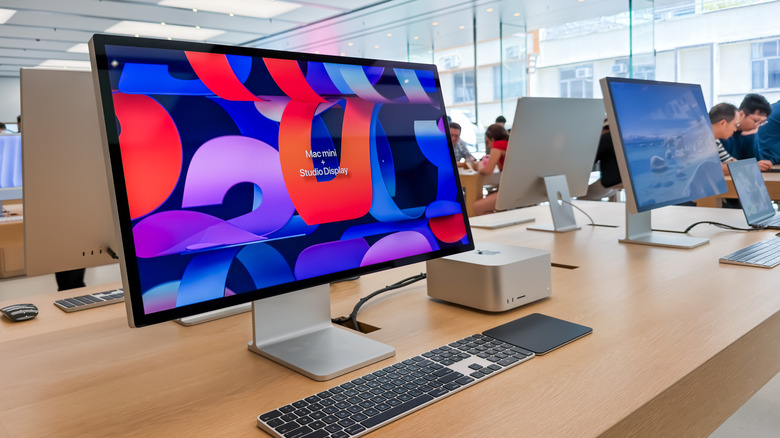

    Apple's Studio Display.
    Cheng Xin/Getty Images

    The first thing most people think about when choosing a new TV, especially for their computer setup, is probably the size. Want something big, but not too big? A 32-inch TV is probably a solid option. Of course, you could also use a 75-inch TV as a giant monitor. Computer monitors are generally smaller and range from 24 to 32 inches. They go bigger, but there are fewer of them and will likely cost you more.

    However, size isn’t everything. Resolution and pixel density matter a lot. Depending on how far away you are from the screen, 4K pictures can look sharp or may not look so great. For instance, a 32-inch 4K monitor generates 137 pixels per inch (PPI). Compare that with a 55-inch TV with the same resolution, and you’ll end up with only 80 PPI. Even a 27-inch 1440p monitor offers 108 PPI — way more than the 55-inch TV. With a lower pixel density, smaller elements like text and buttons end up looking blurry — especially when you sit close to the screen. This isn’t a problem for a TV that you watch from your couch, but it can be a dealbreaker for a display that sits just inches from your face.

    Latency and colors


    Playing games on a big screen.
    Georgijevic/Getty Images

    You should also consider refresh rates, which affect the fluidity of movements on your screen. Typical monitors and TVs are locked at 60Hz. That’s fine for spreadsheets and more static content, but if you like fast-moving video games, you’ll benefit from a display with higher refresh rates like 120Hz. It’s much easier to find a cheaper monitor with a higher refresh rate than a TV.

    Then, there’s latency. That’s the delay between moving your mouse or hitting a button and seeing that action on screen. Monitors are built for this. TVs generally aren’t, so the image can noticeably lag behind your input. On a monitor, you’re looking at a 1 to 4 millisecond (ms) delay. On a TV, that jumps up to 9ms to 12ms. Doesn’t seem like much, right? But in an online game, that lag could make all the difference. Low-latency TVs do exist, but you’ll pay considerably more than for a monitor with comparable specs.

    Color space can be a problem as well. TVs with HDMI 2.0 inputs are limited to 8-bit color at 4K 120Hz. That’s usually the case with older TVs, or really cheap ones. Someone looking for greater color depth — including 10-bit or full Dynamic HDR — will only find it on TVs and monitors with HDMI 2.1 support. If you’re a photo or video editor, this will matter most. If your display can produce more shades of red, green and blue in each pixel, that will mean greater color accuracy for your content. Even if you’re not a pro, those extra colors will make those home videos look all the more vibrant.

    Where TVs still have the edge
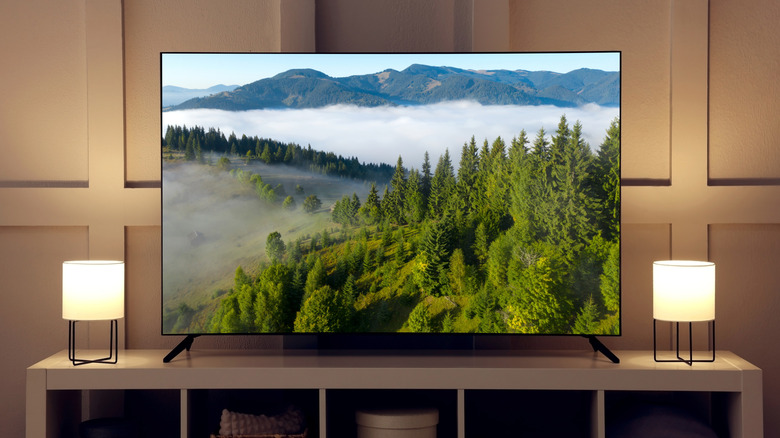

    A TV in a living room.
    New Africa/Shutterstock

    By now, you might be leaning toward a monitor. However, TVs can win in a few key areas. Upscaling is a big one. TVs come with a dedicated processor built just for image enhancement, while monitors are designed to stay faithful to whatever’s fed into them. That distinction won’t matter much for reading text, but it makes a real difference with older HD content. A TV can make it look noticeably sharper.

    It’s also easier to find TVs that support more advanced HDR formats. This includes HDR10+ and Dolby Vision. Yes, there are monitors that support these formats for a wider dynamic range, but they’re not as common as they are on TVs. And they can make your movie-watching experience much better. HDR support on regular monitors isn’t that great. Plus, most entry-level monitors have very low brightness compared to TVs.

    Do you use your computer mostly to watch 4K movies on Netflix? Then a TV is definitely your best choice. If you’re into gaming, a good monitor will make a big difference — especially if you’re sat at a desk hitting headshots in Fortnite. You can find good TVs that will check the boxes for a good monitor, but it’s a tough ask, and you can usually find a high-spec monitor for a similar price. Not to mention that monitors are available in a wider variety of aspect ratios. Maybe you prefer an ultra-wide or curved screen — you’re not going to get that with a standard TV.

    Share. Facebook Twitter Pinterest LinkedIn Tumblr Email Telegram Copy Link
    News Desk
    • Website

    News Desk is the dedicated editorial force behind News On Click. Comprised of experienced journalists, writers, and editors, our team is united by a shared passion for delivering high-quality, credible news to a global audience.

    Related Posts

    US Science & Tech

    Waymo accelerates robotaxi expansion with launches in Denver, San Diego and Tampa

    September 1, 2026
    US Science & Tech

    If space data centers feel far-fetched, why not interstellar travel?

    September 1, 2026
    US Science & Tech

    Dyson’s CameraJet Is A $500 Three-In-One Toothbrush That Scans Your Maw

    September 1, 2026
    US Science & Tech

    Roland’s New Digital Piano Has Built-In Wi-Fi That Integrates With A Teaching App

    September 1, 2026
    US Science & Tech

    The Google TV Streamer Now Costs $150 After A 50 Percent Price Hike

    September 1, 2026
    US Science & Tech

    Samsung’s New Galaxy Book 6 Model Is A Budget-Friendly $799 Laptop

    September 1, 2026
    Add A Comment
    Leave A Reply Cancel Reply

    Don't Miss

    Waymo accelerates robotaxi expansion with launches in Denver, San Diego and Tampa

    News DeskSeptember 1, 20260

    Waymo has started to offer its robotaxi service to the public in Denver, San Diego,…

    Travis Kelce Reveals New Addition To His Family With Taylor Swift

    September 1, 2026

    Chappell Roan Debuts Shocking New Look, See Pics

    September 1, 2026

    Schools in Edmonton and across Canada cancel international field trips

    September 1, 2026
    Tech news by Newsonclick.com
    Top Posts

    Inflation rises to 3% in Canada as global energy volatility persists

    August 17, 2026

    The September album releases in alternative, rock, metal, and beyond

    September 1, 2026

    esta es la nueva información de la próxima megareunión de superhéroes de Marvel

    August 17, 2026

    Mike Layton seeks return to Toronto city council after 4-year hiatus

    August 17, 2026
    Stay In Touch
    • Facebook
    • Twitter
    • Pinterest
    • Instagram
    • YouTube
    • Vimeo

    Subscribe to Updates

    Get the latest creative news from SmartMag about art & design.

    Editors Picks

    Waymo accelerates robotaxi expansion with launches in Denver, San Diego and Tampa

    September 1, 2026

    Travis Kelce Reveals New Addition To His Family With Taylor Swift

    September 1, 2026

    Chappell Roan Debuts Shocking New Look, See Pics

    September 1, 2026

    Schools in Edmonton and across Canada cancel international field trips

    September 1, 2026
    About Us

    NewsOnClick.com is your reliable source for timely and accurate news. We are committed to delivering unbiased reporting across politics, sports, entertainment, technology, and more. Our mission is to keep you informed with credible, fact-checked content you can trust.

    We're social. Connect with us:

    Facebook X (Twitter) Instagram Pinterest YouTube
    Latest Posts

    Waymo accelerates robotaxi expansion with launches in Denver, San Diego and Tampa

    September 1, 2026

    Travis Kelce Reveals New Addition To His Family With Taylor Swift

    September 1, 2026

    Chappell Roan Debuts Shocking New Look, See Pics

    September 1, 2026

    Subscribe to Updates

    Get the latest creative news from FooBar about art, design and business.

    Facebook X (Twitter) Instagram Pinterest
    • About Us
    • Editorial Policy
    • Privacy Policy
    • Terms and Conditions
    • Disclaimer
    • Advertise
    • Contact Us
    © 2026 Newsonclick.com || Designed & Powered by ❤️ Trustmomentum.com.

    Type above and press Enter to search. Press Esc to cancel.