Close Menu

    Subscribe to Updates

    Get the latest creative news from FooBar about art, design and business.

    What's Hot

    Rauzon joins Barbados Tourism Marketing Inc.

    August 31, 2026

    Canada’s financial conditions as trade war begins

    August 31, 2026

    Ryan Reynolds Career Is Shaky After ‘It Ends With Us’ Scandal

    August 31, 2026
    Facebook X (Twitter) Instagram
    Select Language
    Facebook X (Twitter) Instagram
    NEWS ON CLICK
    Subscribe
    Monday, August 31
    • Home
      • United States
      • Canada
      • Spain
      • Mexico
    • Top Countries
      • Canada
      • Mexico
      • Spain
      • United States
    • Politics
    • Business
    • Entertainment
    • Fashion
    • Health
    • Science
    • Sports
    • Travel
    NEWS ON CLICK
    Home»Science & Technology»US Science & Tech»Things To Know Before Using Your MacBook Outside
    US Science & Tech

    Things To Know Before Using Your MacBook Outside

    News DeskBy News DeskAugust 30, 2026No Comments4 Mins Read
    Share Facebook Twitter Pinterest Copy Link LinkedIn Tumblr Email VKontakte Telegram
    Things To Know Before Using Your MacBook Outside
    Share
    Facebook Twitter Pinterest Email Copy Link

    Keep an eye on the thermomoter.


    encierro/Shutterstock

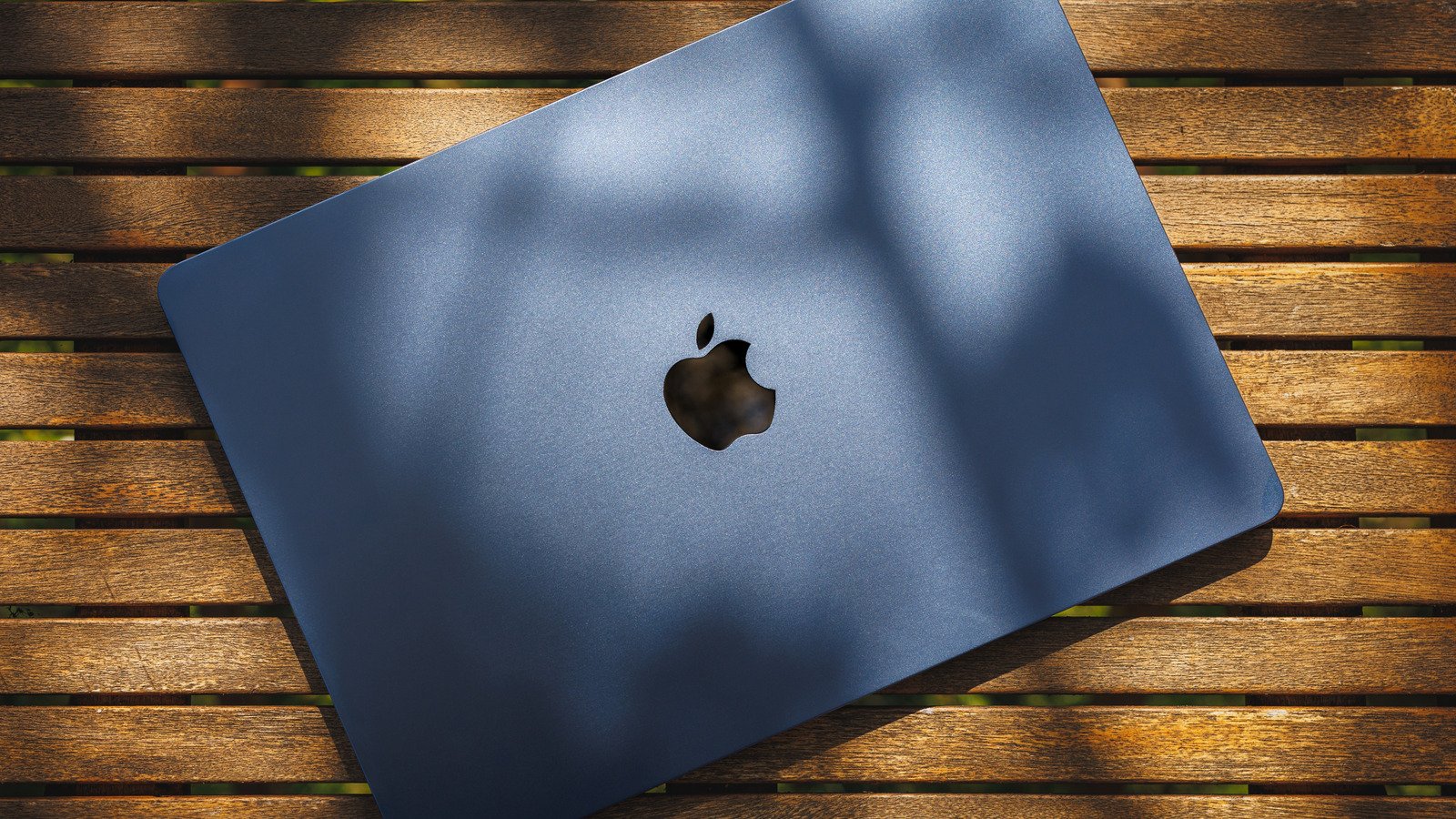
    Taking a MacBook outside is usually as simple as moving from a desk to a patio table, but outdoor conditions are much harder to control. Heat and direct sunlight can affect both the laptop itself and how comfortable its screen is to use. You don’t need special outdoor gear, but you do need to know Apple’s temperature limits and give the MacBook a dry, stable surface with room to shed heat.

    Keep your MacBook within Apple’s temperature limits


    Close-up of a person typing on a laptop outdoors in bright sunlight, with strong glare reflecting off the screen.
    Maksym Belchenko/Getty Images

    Apple recommends using its Mac laptops when the ambient temperature is between 50 and 95 degrees Fahrenheit, or 10 to 35 degrees Celsius. That’s a wider range than most people will encounter indoors, but the upper limit is easy to approach on a hot summer day. Apple also specifically warns against leaving a MacBook in a parked car, where temperatures can climb beyond its recommended range.

    The important word in Apple’s guidance is ambient. The 95-degree limit refers to the air around the laptop, not how hot its aluminum enclosure might become while sitting in direct sunlight. Apple doesn’t publish a separate direct-sunlight limit for MacBooks, so it makes sense to move into the shade rather than treating a temperature below 95 degrees as an all-clear for using one in full sun.

    There’s a longer-term reason to avoid excessive heat, too. Ambient temperatures above 95 degrees Fahrenheit can permanently reduce battery capacity, meaning the battery may not last as long on a charge afterward. Charging a device in high temperatures can cause additional damage.

    Heat also matters differently depending on the MacBook you have. All Apple Silicon MacBook Air models use passive cooling rather than a fan, dissipating heat through the chassis. MacBook Pro models use active cooling for sustained, demanding workloads. Either way, giving the laptop shade and room around it to shed heat is preferable to making its cooling system work against direct sun.

    Direct sunlight can make your MacBook’s screen harder to use


    Person using a MacBook on a wooden outdoor table, with reflections visible across the dark screen and a smartphone beside the laptop.
    sergey causelove/Shutterstock

    Heat isn’t the only reason to look for shade. Bright outdoor light and reflections can make a MacBook display much harder to read, which usually leaves you reaching for the brightness controls.

    How much brightness you have to work with depends on the model. Current MacBook Air displays are rated for 500 nits of brightness, while current MacBook Pros can reach up to 1,000 nits of SDR brightness outdoors. A nit is a unit used to measure display luminance, so a higher figure generally means the screen can produce more light.

    That extra brightness comes with a tradeoff when you’re away from an outlet. Dimming a MacBook display to the lowest comfortable level helps you maximize battery life. However, if sunlight forces you to keep the display near maximum brightness, expect the battery to run down faster than it would at a lower setting indoors.

    So, before pushing the brightness all the way up, try changing your position. Turning the display away from reflections or moving a few feet into shade can make the screen easier to see while allowing you to lower its brightness again. It also gets the MacBook itself out of direct sunlight, solving two outdoor problems with the same move.

    Use a hard surface and keep your laptop away from moisture


    Man holding and using a laptop beside a rain-covered window, illustrating wet-weather conditions that can affect outdoor laptop use.
    Burak Sür/Getty Images

    Where you put a MacBook matters more outside than it does at a desk. Apple recommends placing its laptops on a stable work surface that allows good ventilation and specifically warns against using them on pillows, bedding or other surfaces that can interfere with airflow. A table or solid tray is therefore a better choice than setting the MacBook down on a blanket or cushion.

    Weather presents the other obvious problem. Current safety guidance for both the MacBook Air and MacBook Pro says to protect the laptop, power adapter and charging cable from dampness, humidity and wet weather. It specifically lists rain, snow and fog. A light shower isn’t something to work through just because the keyboard still looks dry.

    If rain starts, disconnect the charger and other cables and move the MacBook somewhere dry. The same guidance applies to the power adapter, so an outdoor outlet or extension cord doesn’t make charging a good idea when moisture is present.

    Share. Facebook Twitter Pinterest LinkedIn Tumblr Email Telegram Copy Link
    News Desk
    • Website

    News Desk is the dedicated editorial force behind News On Click. Comprised of experienced journalists, writers, and editors, our team is united by a shared passion for delivering high-quality, credible news to a global audience.

    Related Posts

    US Science & Tech

    The U.S. is building barriers around drones and robots, but China has scale to get around them

    August 31, 2026
    US Science & Tech

    Grindr wants to be the everything app for gay men; investors are still deciding whether it can pull it off

    August 31, 2026
    US Science & Tech

    Why Is The GameCube Controller So Loved By Gamers?

    August 30, 2026
    US Science & Tech

    How To Improve Your Audio Quality On Apple CarPlay

    August 30, 2026
    US Science & Tech

    How To Soft And Hard Reset Your iPhone

    August 30, 2026
    US Science & Tech

    Getting An ‘iPhone Unavailable’ Message? Here’s How To Fix It

    August 30, 2026
    Add A Comment
    Leave A Reply Cancel Reply

    Don't Miss

    Rauzon joins Barbados Tourism Marketing Inc.

    News DeskAugust 31, 20260

    Barbados Tourism Marketing Inc. (BTMI) has appointed Michèle Rauzon as Business Development Representative for Québec,…

    Canada’s financial conditions as trade war begins

    August 31, 2026

    Ryan Reynolds Career Is Shaky After ‘It Ends With Us’ Scandal

    August 31, 2026

    Not Virat Kohli! Suryakumar Yadav picks the best captain he played under

    August 31, 2026
    Tech news by Newsonclick.com
    Top Posts

    Ryan Reynolds Career Is Shaky After ‘It Ends With Us’ Scandal

    August 31, 2026

    Municipios afectados por el incendio de Riglos piden investigar al Gobierno de Aragón por las obras de la A-132

    August 16, 2026

    Spots From ‘The Hangover’ You Can Visit In Las Vegas

    August 16, 2026

    Aston Villa agree deal for Suzuki with Martinez on brink of Juventus switch

    August 16, 2026
    Stay In Touch
    • Facebook
    • Twitter
    • Pinterest
    • Instagram
    • YouTube
    • Vimeo

    Subscribe to Updates

    Get the latest creative news from SmartMag about art & design.

    Editors Picks

    Rauzon joins Barbados Tourism Marketing Inc.

    August 31, 2026

    Canada’s financial conditions as trade war begins

    August 31, 2026

    Ryan Reynolds Career Is Shaky After ‘It Ends With Us’ Scandal

    August 31, 2026

    Not Virat Kohli! Suryakumar Yadav picks the best captain he played under

    August 31, 2026
    About Us

    NewsOnClick.com is your reliable source for timely and accurate news. We are committed to delivering unbiased reporting across politics, sports, entertainment, technology, and more. Our mission is to keep you informed with credible, fact-checked content you can trust.

    We're social. Connect with us:

    Facebook X (Twitter) Instagram Pinterest YouTube
    Latest Posts

    Rauzon joins Barbados Tourism Marketing Inc.

    August 31, 2026

    Canada’s financial conditions as trade war begins

    August 31, 2026

    Ryan Reynolds Career Is Shaky After ‘It Ends With Us’ Scandal

    August 31, 2026

    Subscribe to Updates

    Get the latest creative news from FooBar about art, design and business.

    Facebook X (Twitter) Instagram Pinterest
    • About Us
    • Editorial Policy
    • Privacy Policy
    • Terms and Conditions
    • Disclaimer
    • Advertise
    • Contact Us
    © 2026 Newsonclick.com || Designed & Powered by ❤️ Trustmomentum.com.

    Type above and press Enter to search. Press Esc to cancel.