
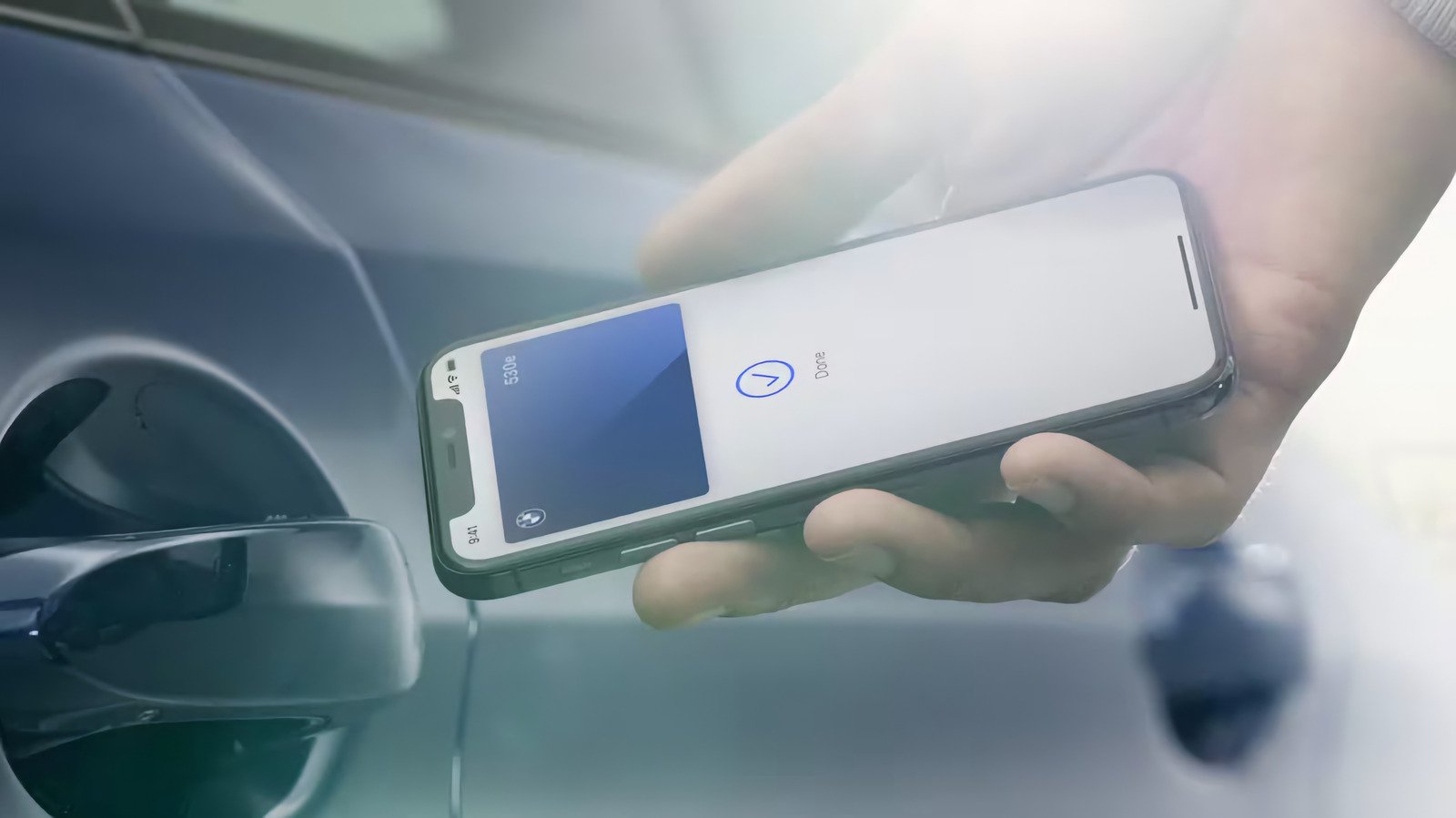
You can access your car without even having to unlock your iPhone.
With Apple Pay, Apple helped make tapping your phone at point of sale terminals ubiquitous, but the same technology that exchange possible has plenty of other uses. Much like on Android, with a compatible car and a bit of setup, you can use your iPhone to store a set of digital car keys and unlock or even start your car with a tap.
When it launched in 2020, Apple’s digital car key feature offered compatibility with only a select number of cars, but that has meaningfully expanded in the years since. Now several popular car brands support Apple’s digital car key, and it’s become a lot more useful. If you’ve been wanting to add a copy of your car keys to your iPhone, but didn’t know if your car or device would work with it, here’s how to check and set things up.
What is Apple’s CarKey feature?
Apple added support for digital car keys in its Wallet app with the release of iOS 14. Through the new (at the time) CarKey API, developers gained the ability to add a digital key to users’ iPhone that can lock or unlock a vehicle with a tap. The feature launched on devices running iOS 14 and iOS 13 simultaneously, and Apple later introduced the ability for anyone with an iPhone or Apple Watch that has a U1 ultra-wideband chip to passively unlock or lock cars when within range.
Depending on your car, the Wallet app can unlock, lock and start your car. And if you enable what Apple calls “Express Mode,” it can also do all of those things without you having to first pull out and unlock your phone.
How do digital car keys work on iOS?
Apple’s approach to car keys is similar to Google’s and is based on the Car Connectivity Consortium’s Digital Key specification. Once your phone and car are paired, a digital copy of your key is cryptographically secured on your device. Locking and unlocking a car works using your iPhone’s NFC chip, just like tapping to pay. A Bluetooth connection between your smartphone and your car can remotely unlock and lock your car. Passive entry, where your phone automatically unlocks your car when you’re nearby, uses Bluetooth and your phone’s U1 chip to determine your location before locking your car’s doors or starting its engine.
Which iPhones and cars support digital car keys?
At a minimum, Apple’s digital car keys require an iPhone running iOS 13 with an NFC chip built in. That means you’ll need to own either an iPhone XS or later or a second-generation iPhone SE or newer to use the feature.
The iPhone’s digital car keys were only available on the BMW 5 Series at launch, but several major car makers have adopted the feature since. For example, you can now use digital keys on Hyundai’s Tucson, Ioniq 5 and 6, as well as the Rivian R1T and R1S. Apple doesn’t maintain a list of which cars support digital keys (instead directing customers to call their car manufacturer to confirm support) but its list of cars that support CarPlay does note which models also offer digital keys, so you can use that as a guide.
Here are the car brands Apple lists as supporting digital keys:
-
Audi
-
BMW
-
BYD
-
EXEED
-
Genesis
-
Hyundai
-
Kia
-
Lotus
-
Mercedes-Benz
-
Mini
-
Nio
-
Polestar
-
Ram
-
Rivian
-
Volvo
How to add your car key to your iPhone
Methods for adding digital car keys to your iPhone vary from one car to another and may require you to be near your vehicle to work. Unfortunately, depending on the car, you might also need to physically touch your phone to your key reader during set up. Apple isn’t clear if there are specific cars or Car Key features that determine whether you’ll be able to set things up without being next to your vehicle.
The initiation of the setup process also differs based on make and model. You might receive an email or text message from your car maker prompting you to add a key, or you might be able to add a key to your Wallet through your car maker’s app. The setup process may also require you to create an account with your car maker and associate it with your car. When you’re eventually sent to the Wallet app, tapping Continue will pair your iPhone with your car. Follow any onscreen instructions to sync the NFC chip in your iPhone with your car, which in some cases may involve tapping it to your car’s key reader.
Once paired, you should be able to lock and unlock your car directly from the Wallet app. Apple says on its support page that Express Mode will also automatically be enabled so your car will unlock without you having to remove your iPhone from your pocket.
You can also share a key by selecting it in the Wallet app and tapping on the Share button. You’ll be prompted to name the key, choose whether to add an activation code for extra security and then select a contact to send it to. The Wallet app will ask you to authenticate your identity before sending the key. If you did set an activation code, you’ll have to send that one-time code to your contact so they can unlock and use the key.
If for whatever reason you lose your iPhone, marking it as lost in the Devices section of the Find My app automatically disables any digital keys you have stored. Notably, any keys you’ve shared will still be usable, but it’s otherwise the simplest way to lock down your phone and Wallet app. If your phone happens to run out of juice when you need to unlock your car, Apple says certain keys, cards and passes with Express Mode enabled will be still usable for five hours after your battery dies. Regardless of the scenario, though, you should keep a copy of your actual keys as a backup.
