
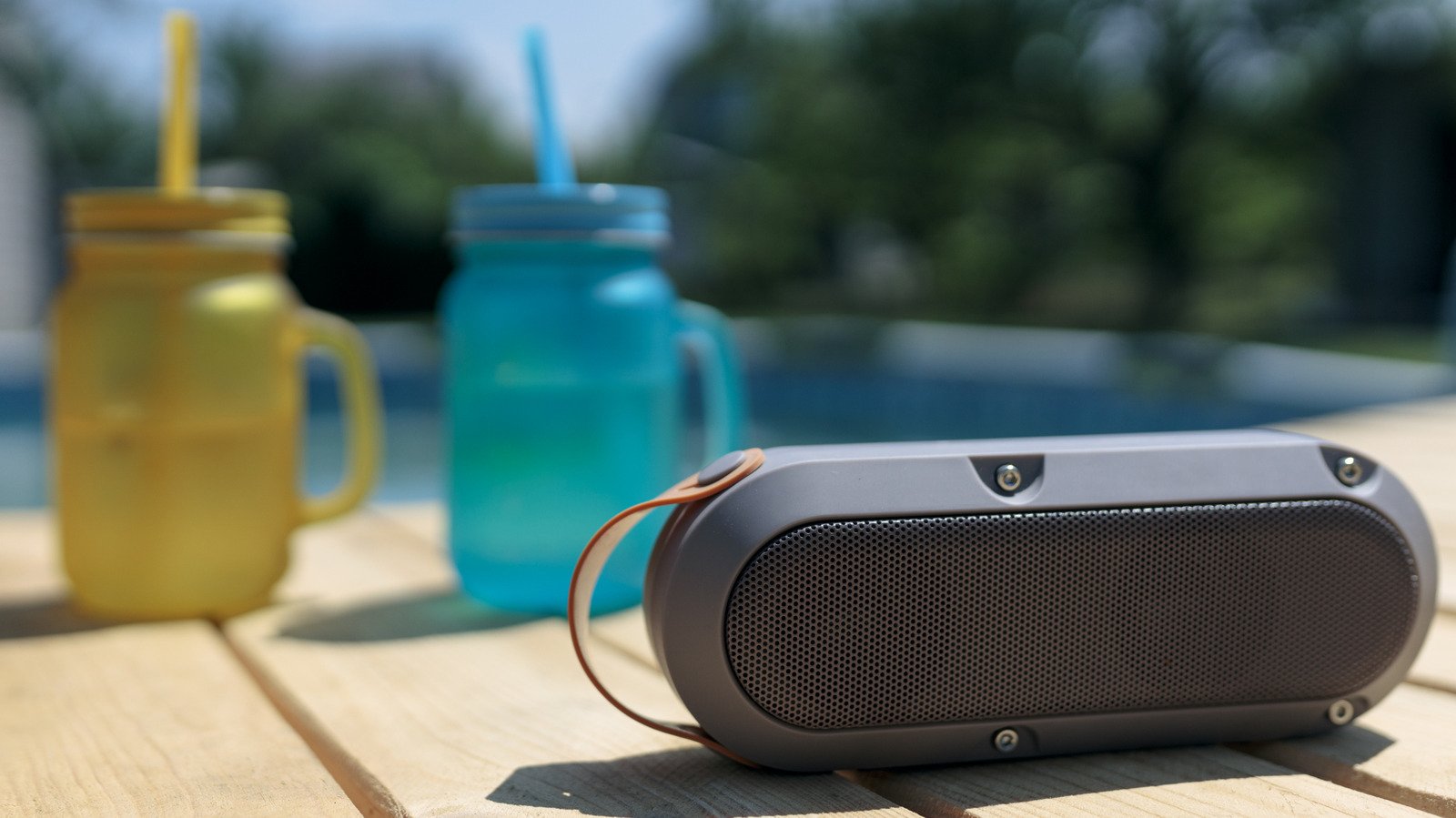
Let nothing stop you from jamming to your tunes.
Using Bluetooth is simple, so it’s frustrating when you’re ready to listen to music on your Bluetooth speaker and are met with silence or crackling. While Bluetooth is compatible with tons of devices and doesn’t require much to get working, it’s still a wireless technology, which makes it more susceptible to interruptions than wired solutions.
Sometimes, the speaker itself has run into an issue. Other times, the device you’re playing from is to blame. And if neither of those is at fault, then the wireless connection between the two is likely the source of your problems. You can narrow down where the hiccup lies with a few troubleshooting steps.
Don’t write your speaker off yet if it’s not working correctly; everyone runs into Bluetooth problems at some point. Troubleshooting Bluetooth issues isn’t difficult, so you should be able to resolve the snag and get back to jamming without much trouble.
You can’t connect devices to your Bluetooth speaker
As with most troubleshooting, an important first step is to restart both devices. Turn your Bluetooth speaker off and back on, and do the same with your phone, computer, or whatever you’re connecting to. This should resolve any minor bugs preventing a good connection. Once that’s done, if they’ve been paired before, try reconnecting your device to your speaker manually using the device’s Bluetooth menu. On an iPhone, visit Settings > Bluetooth, then look under My Devices for your speaker model name. Tap it and see if it changes to Connected. On Android, swipe down from the top of the screen, then press and hold on the Bluetooth icon. Select your device under Saved devices if it’s there.
If that fails, you should remove the pairing between devices and re-establish a fresh connection. You can do this on the same Bluetooth menu. For iPhone, tap the i icon to the right of the device, then choose Forget This Device. On Android, tap the Settings gear next to your model name, then choose Forget (the trash can) to remove it. (Android steps may vary slightly depending on your model.)
To re-pair them, you’ll need to put your speaker into pairing mode. This varies based on your model, so refer to the manual for steps on enabling pairing mode. Once it’s ready, tap the speaker name on your phone’s Bluetooth menu to reconnect. Sometimes, you might have to toggle Bluetooth off and back on in your phone’s menu. My JBL Flip 5 regularly fails to play audio from my iPhone even when it says it’s connected. Toggling Bluetooth usually fixes this without having to repeat the pairing process.
Your Bluetooth speaker is super quiet or won’t play
If you can’t hear any audio from your speaker, make sure that the volume is turned up both on it and the source device (like your phone). While this sounds obvious, it’s an important check because not all Bluetooth devices use the same volume control method. Modern units usually feature “absolute volume,” where the volume buttons on your phone and speaker control the same level. However, older ones may have a volume slider independent from what your phone is sending. This means your phone volume could be at 100%, but if the speaker volume is only at 5%, it will still be incredibly quiet. If this is the case for your model, it’s convenient to set one device to the highest volume you want, then use the other for fine-tuning the control.
When your speaker is connected but won’t play any audio, confirm that you have it set as your audio output device. On Windows or macOS, choose the Bluetooth output, not your wired or built-in speakers, in the audio options. On Android, visit Settings > Connected Devices, tap the gear next to your Bluetooth device’s name, and make sure Media audio and Phone audio are both enabled for full support.
Another unusual fix for this issue is to hit the Play button on your speaker, rather than your computer or phone. This can “jump-start” the connection when starting playback from your phone doesn’t do anything.
Bluetooth audio quality is poor
If your speaker cuts out, crackles, or has other unpleasant audio problems, bring it closer to the connected device. Newer models with Bluetooth 5.0 or above can theoretically work at around 100 feet indoors, while models from earlier in Bluetooth’s history cap out around 30 feet indoors. Similar to Wi-Fi, having anything between the two weakens the effective range, so try to keep them in the same room and away from anything made of metal.
Connecting too many Bluetooth accessories to one device can lead to worse performance across them all. Say you have a smartwatch, earbuds, desktop PC, speaker, and one of our favorite keyboards connected to your phone via Bluetooth at once. That’s a lot competing for the same protocol. If the audio quality sounds poor, try disconnecting anything you aren’t using and see if the quality improves for the others.
Your speaker’s range and audio quality can also take a hit when it’s low on battery, so make sure to charge it regularly. If you’re in a crowded area with lots of other signals, interference is more likely, so try moving to a clearer location. And avoid cranking the volume all the way up if you can help it, as distortion is more common at max levels.
Other general Bluetooth troubleshooting steps worth trying
Many common Bluetooth issues have the same root causes, so it’s worth trying a few other remedies if the above haven’t fixed your problems. Check to see if your brand offers an app (such as JBL One). These allow you to fine-tune audio options and check for firmware updates. If there are any updates, install them and see if your issues clear up. Failing that, it’s worth factory resetting your unit. The instructions for this vary depending on your device; you may be able to do it through the app, a pinhole on the device, or holding a combination of buttons. Check the manual (most are available online) if you’re not sure.
Also, try connecting your speaker to different devices and seeing if there’s a difference. If the audio buzzes when connected to various phones, tablets, and computers, then the issue lies with the speaker or nearby interference. In that case, the speaker might have been damaged by water or have a loose cable. Try cleaning it, including blowing dust out of the insides with canned air. If it only buzzes when paired to a specific device, then that’s likely where the problem lies.
Finally, you might just have an old model that you need to replace. If it’s 10+ years old, the battery capacity is likely low, it doesn’t support modern Bluetooth protocols, and it could have been affected by drops or foreign substances. At that point, it’s worth upgrading to one of our picks for the best modern Bluetooth speakers.
