
In the pursuit of progress, productivity, and innovation, one thing is often overlooked: comfort.
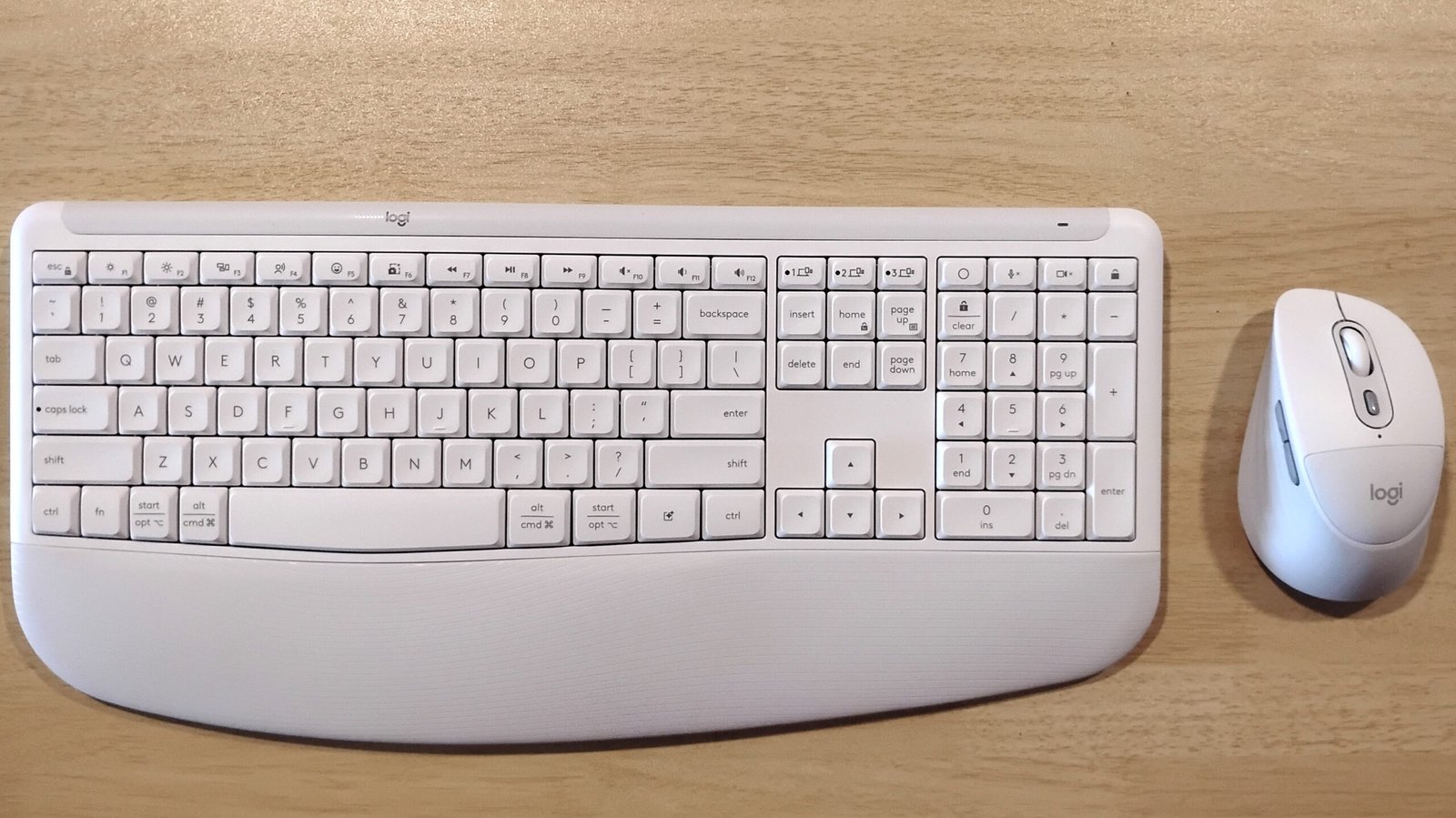
Comfort doesn’t translate to function or efficiency. But what if it did? What if comfort and function could coexist in the tools we use daily? Logitech asked that question and made the Logitech Signature Comfort Plus keyboard and mouse, which feature cushions for better comfort.
Logitech made the Signature Comfort Plus line to make working more comfortable and reduce strain over the workday. But more than that, the devices are programmable with many functions and are built with AI in mind to optimize workflow.
The keyboard that redefines comfort and ergonomics
The Signature Comfort Plus K880 keyboard features a built-in pad in front of the keys, perfect for resting your palms on while typing. The built-in pad and long length from front to back make it so that your hands have plenty of space to rest comfortably without needing to buy a separate pad. The keyboard can also be raised for a more comfortable resting angle with adjustable legs on the underside.
This does come at the cost of portability. While you won’t have to be tethered by a cable with its long battery life, which can last for months, it isn’t something you can easily pick up and take with you on the go.
In terms of function, this keyboard has plenty for those who want more than just a keyboard. It connects via Bluetooth to up to three devices and can be switched when needed with Logitech’s Smart Switch feature.
A mouse that’s soft to the touch
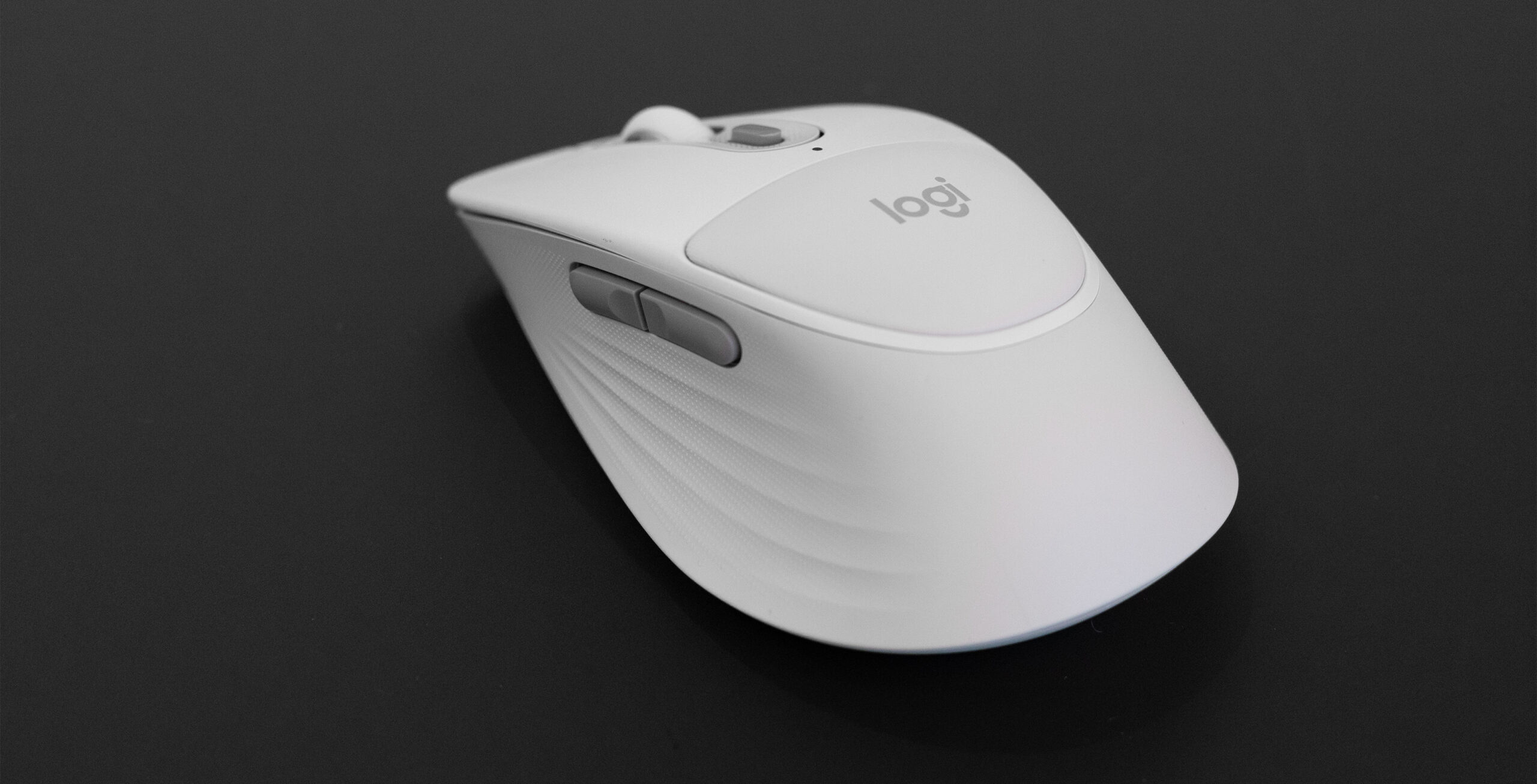
What good is a keyboard without a mouse? The Signature Comfort Plus M850 mouse puts the emphasis on comfort with its upper-palm rest and large size that fits well in your hand. Like the keyboard, it can connect to three devices with Bluetooth and can switch between them easily with Logitech’s Smart Switch. As far as buttons, the mouse features two on the side, as well as a multi-purpose button in front of the scroll wheel.
The software that powers both: Logi Options+
It would be impossible to talk about the mouse and keyboard without mentioning the software that truly makes both your own. Logi Options+ gives users the freedom to reprogram keys and buttons to cater to whatever functions they may need. Inputs can be reprogrammed to perform custom actions or to simulate other keys or commands. The buttons can be programmed universally or can be set for a single app.
For the mouse, everything but the left and right mouse buttons can be reprogrammed. The multi-purpose button gets a lot of attention in Options+. By default, it is set to show Logitech’s Action ring, giving quick access to note-taking, locking the workstation, opening file explorer and accessing AI interfaces like Copilot and ChatGPT.
The multi-purpose button can be customized to change mouse DPI, execute a keyboard command, highlight a specific selection on-screen, and so much more.
Great for work, usable for play
This keyboard and mouse combo has many features. The list is so extensive that it would take less time to cover everything it doesn’t do. The pair are truly capable of streamlining any task you are working on. This does come at the cost of the aforementioned size issue, so don’t expect to make this your keyboard and mouse of choice while on a trip or if you travel for work. But if you’re at the desk, whether that desk is your kitchen counter or at the office, the mouse and keyboard make it easier on your hands to work for long hours.
The keyboard and mouse are available on Logitech’s website. The Signature Comfort M840 pricing starts at $59, the M850L costs $69.99, and the Signature Comfort Plus Combo MK880.
