
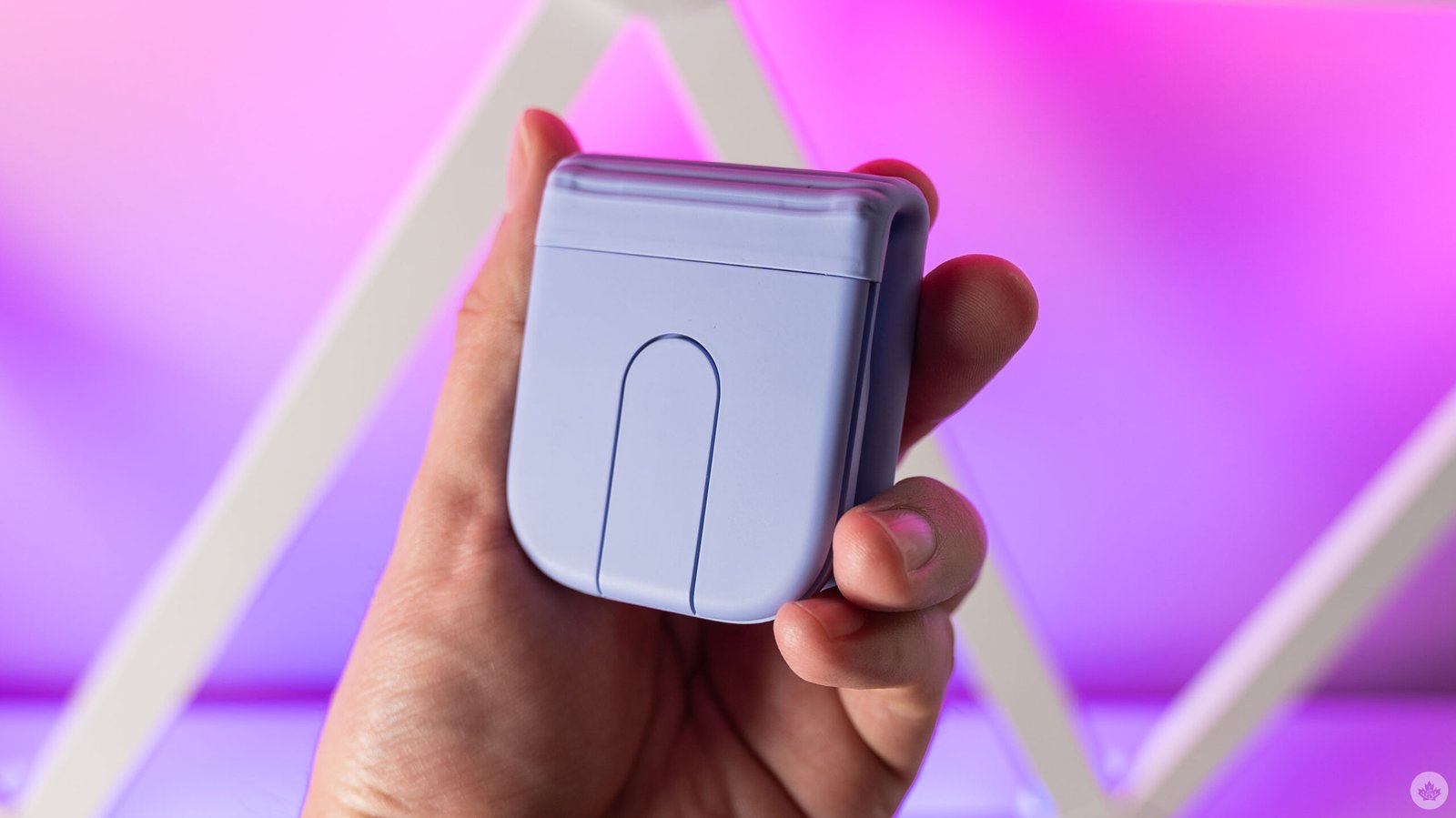
Logitech’s newest mouse is also the company’s first crack at a foldable form factor. Dubbed the Mobi Fold, it’s slim, compact, and can easily fold up and tuck away in your bag.
I’ve tried a few folding mice in my time, and I think Logitech got a lot right with the Mobi Fold. It’s light, slim, stylish (especially the lovely lilac colour that I tested) and easy to use. It’s also surprisingly comfortable for the form factor. Sure, it’s no ergonomic mouse, but it’s comfortable enough for short stints of work while on the go.
The Mobi Fold sports a soft, silicon-like material across about two-thirds of the mouse, with the top third (where the buttons and battery live) made from a more traditional hard plastic.
But don’t let the plastic fool you — there’s some sustainability here. Logitech used post-consumer recycled plastic for the mouse, about 29 per cent for the lilac, off-white, and sand colours, while the graphite option is 36 per cent. The magnets are also made of 100 per cent post-consumer recycled rare earth metal.
Using the Mobi Fold is as simple as unfolding it. There’s no power button, so the mouse just starts up when unfolded, and shuts down when folded. Logitech also boasted about its on-device AI model that helps prevent unintentional clicks when folding it. And while it sounds a bit like marketing speak and trying to cash in on the current AI craze, I can say I never experienced any misclicks while folding the mouse. (Finally, something AI is good at!)
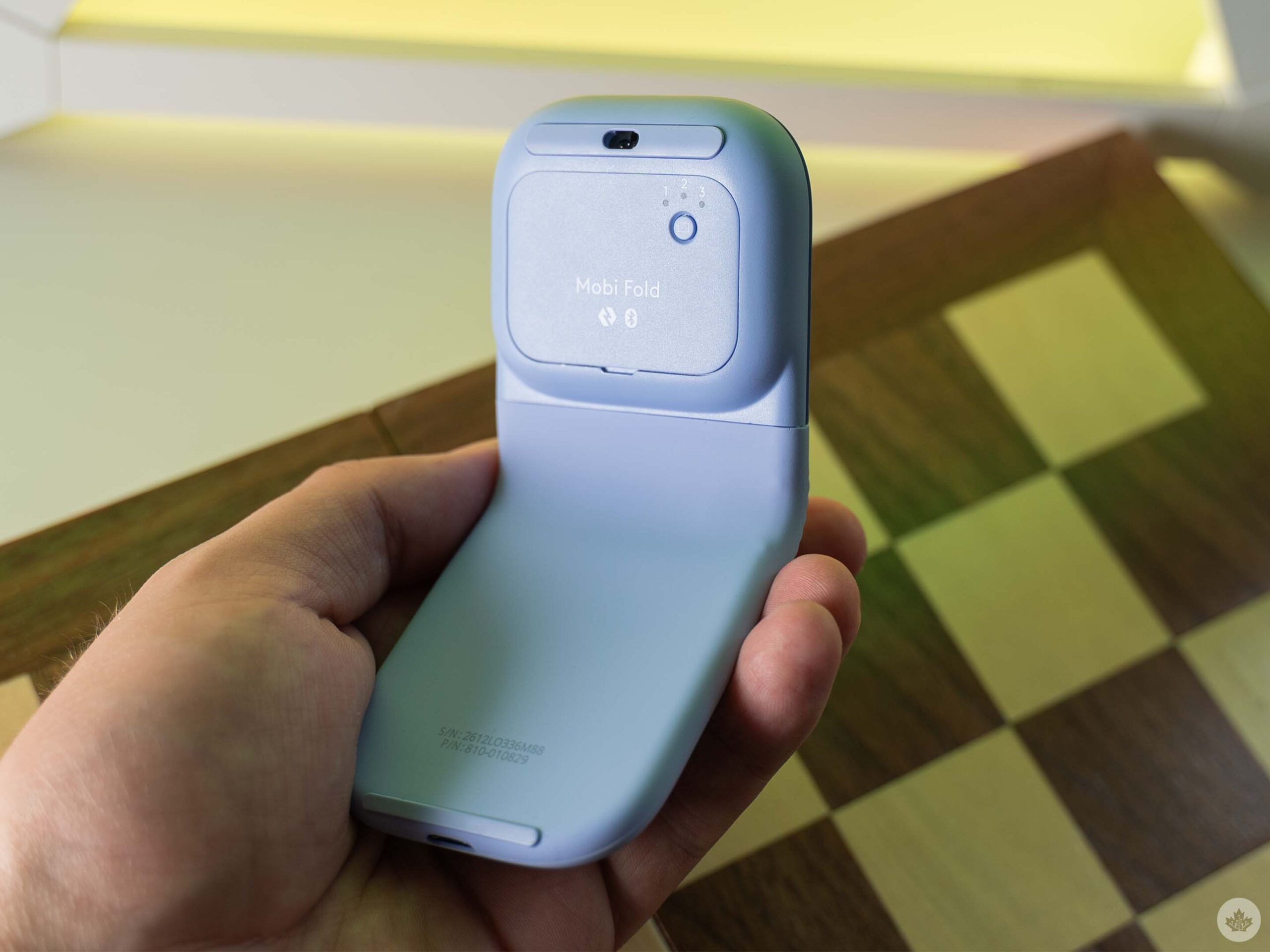
The Mobi Fold connects via Bluetooth Low Energy (LE). Notably, there’s no wireless USB receiver in the box unless you fork out extra for the ‘business’ version of the mouse. I typically prefer USB receivers since I can plug them into my docking station for easy use across multiple devices, but the Mobi Fold’s Bluetooth connection works fine. Plus, you can pair it with up to three devices and with the app (which I discuss more below), you can even use it seamlessly across devices via Logi Flow.
It works with Windows 10 and later, macOS 12 and later, iPad OS 15 and later, ChromeOS, Android 12 and later, and Linux. So, it should work great no matter which device you use. In my testing with both Windows and macOS, the Mobi Fold was easy to connect and worked well once connected, even without installing the Logi Options+ app.
That said, you probably should grab Options+ if you get the Mobi Fold, as it unlocks additional functionality and customization. These include custom actions for different button clicks, adjusting scroll and pointer speeds, enabling Logi Flow to use the Mobi Fold across multiple computers, and more.
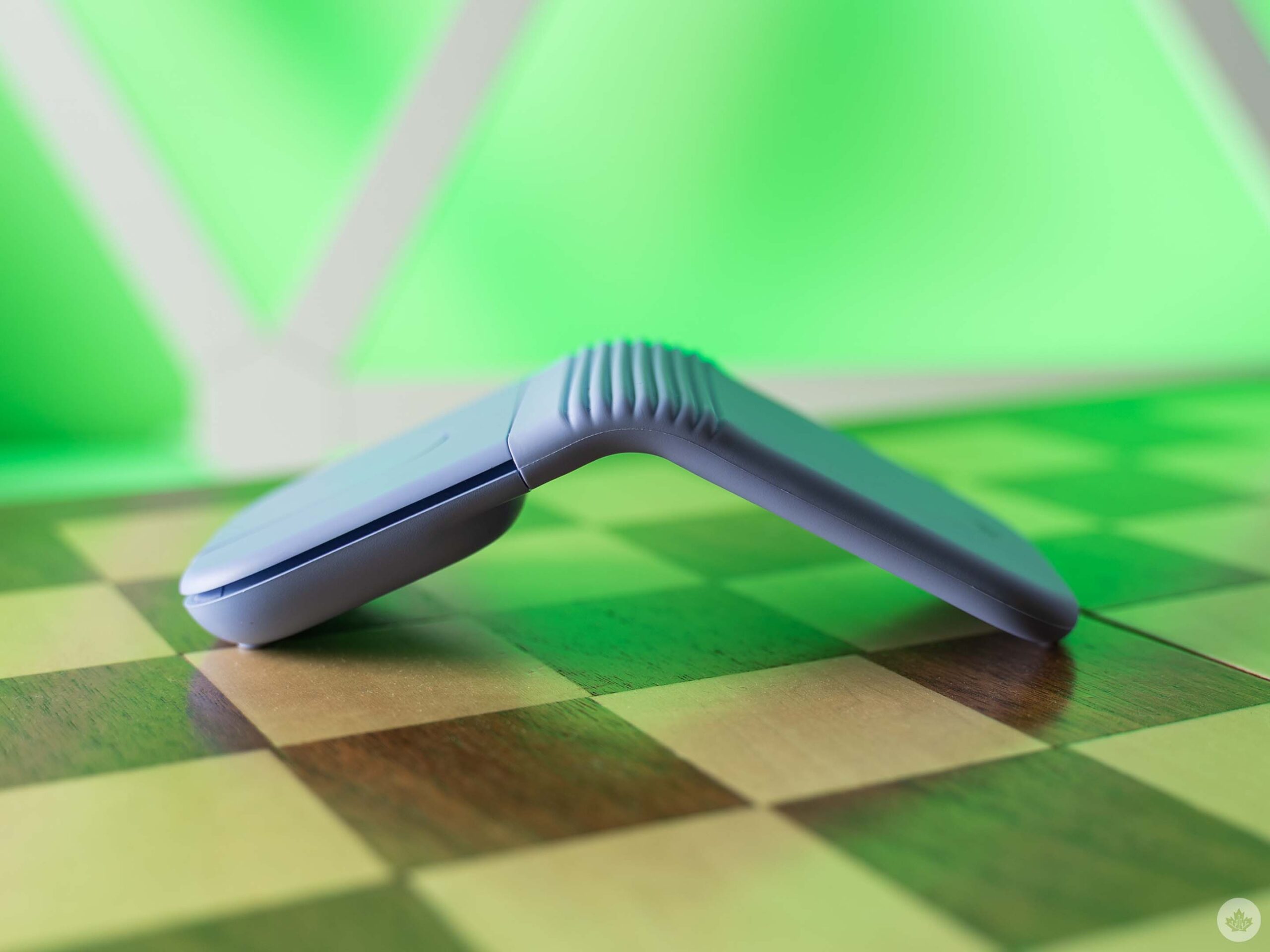
All this is great, but the Mobi Fold isn’t perfect. I’ve got two main gripes with it, one small one and one big one. The small gripe relates to the ribbed texture on the hinge of the Mobi Fold, which can be a bit of a dirt magnet. Not a huge deal, but depending on where you store the mouse, it could get pretty dirty.
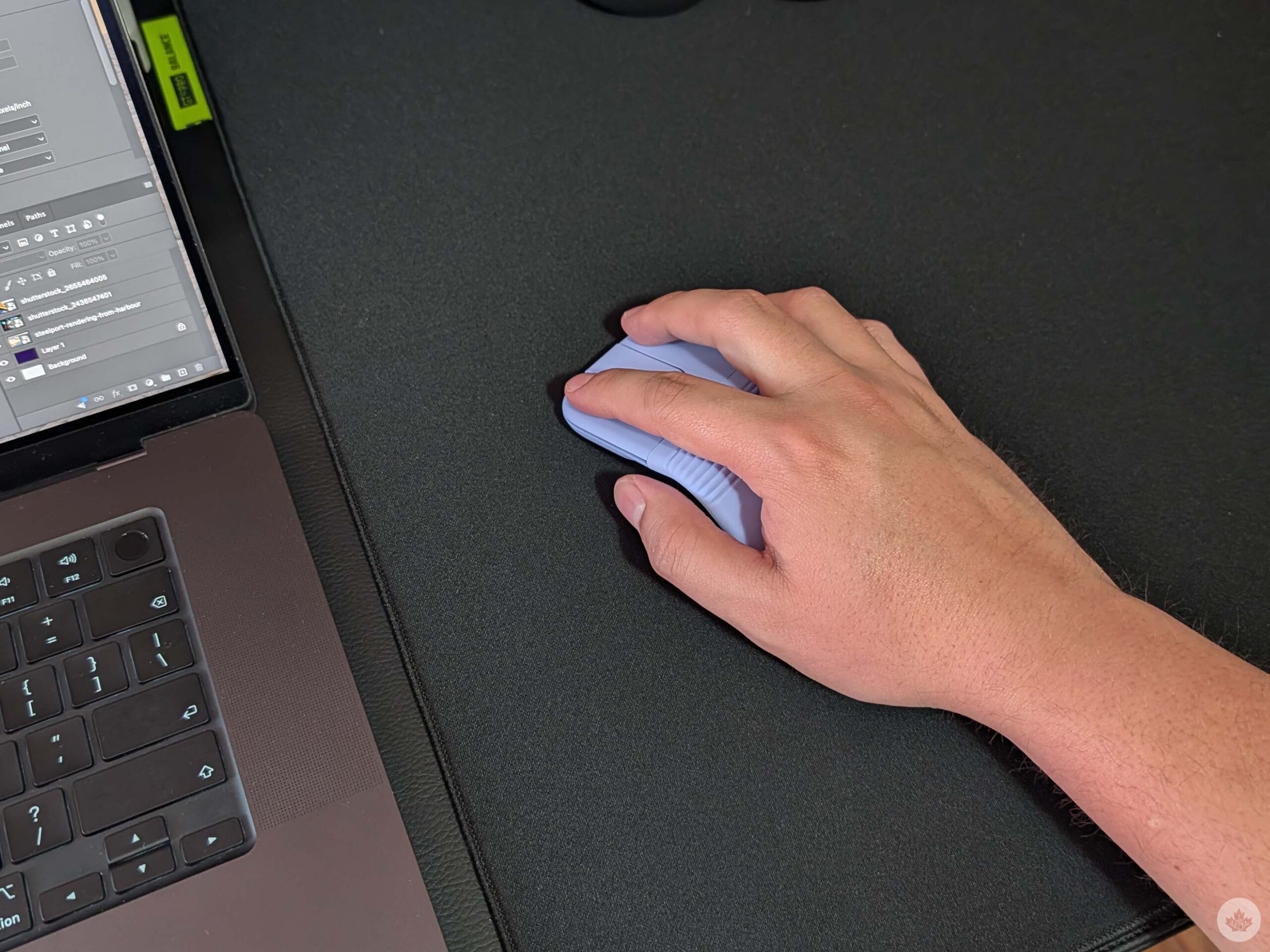
The other, much bigger gripe is with the touch scrolling. Frankly, it doesn’t compare to a scroll wheel and feels less precise overall.
Maybe I’m old-fashioned, but it was the one hang-up that kept disrupting my flow. I did eventually grow accustomed to the touch scrolling, but it never really felt right.
Given the Mobi Fold is intended for use on the go, it makes sense to skip the scroll wheel to save space, but I do think the mouse experience overall suffers for it. Maybe a future Mobi Fold could use a small scroll ball, kinda like the old Apple Mighty Mouse, to save space.
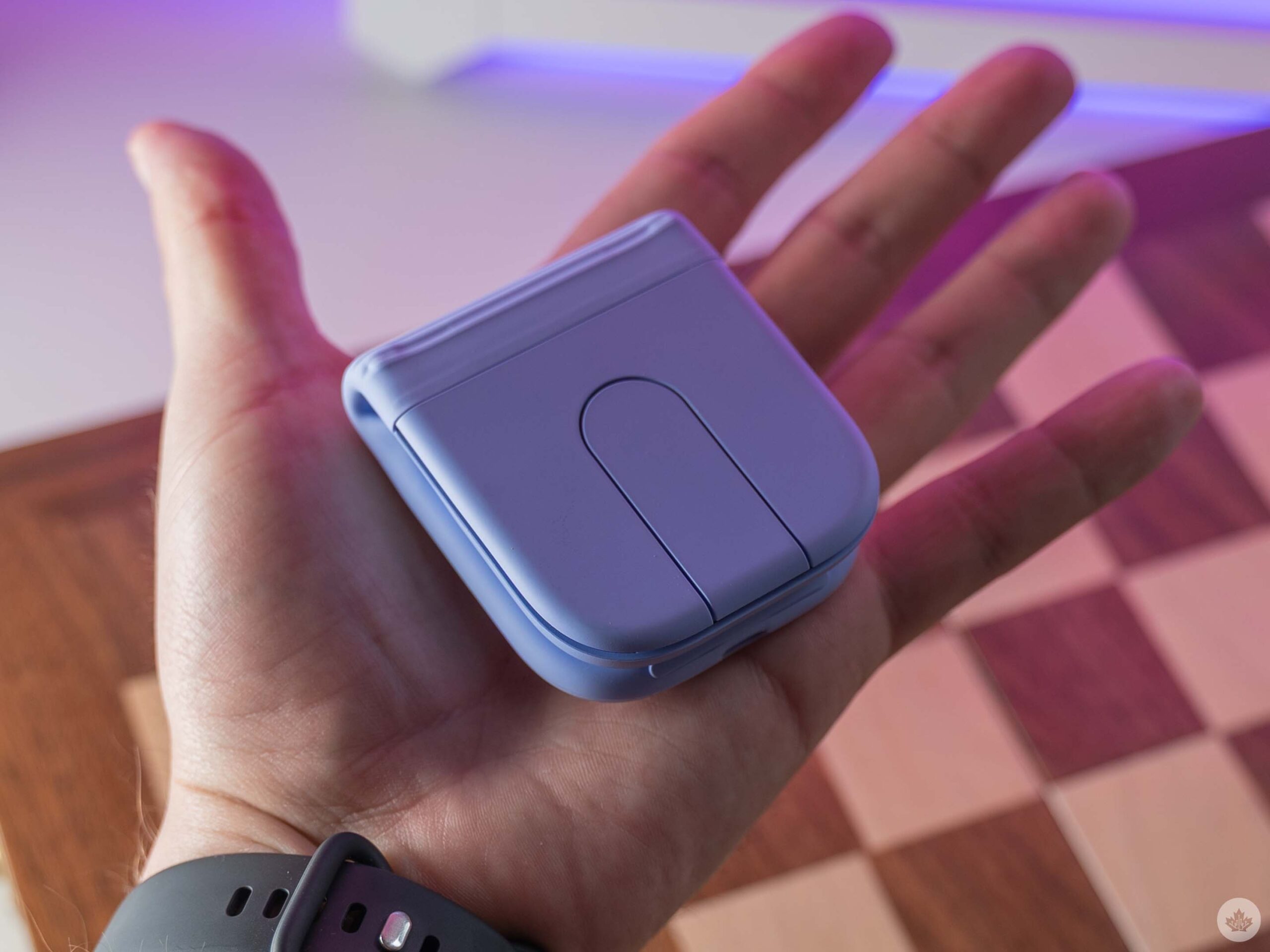
Touch scrolling aside, the Mobi Fold is a really nice portable mouse. It’s compact, folds up well, and doesn’t trigger accidental clicks, making it perfect to shove in a bag when you’re on the go.
In Canada, Logitech sells the Mobi Fold for $119.99, and at the time of writing, it also comes with a free pouch to hold the mouse. You can also find it at Best Buy Canada and at Amazon Canada for the same price.
